Use the Arizona business entity search on the Corporation Commission website to check whether a name is available or review existing entity information. A broad search is recommended to pull any similarly named companies before incorporation. If no search results are found, the name is available for use.
Business Entity Search

By searching, you agree to our Terms of Use and Privacy Policy.
Business Entity Search
1. Access the Search Portal
2. Perform a Business Search
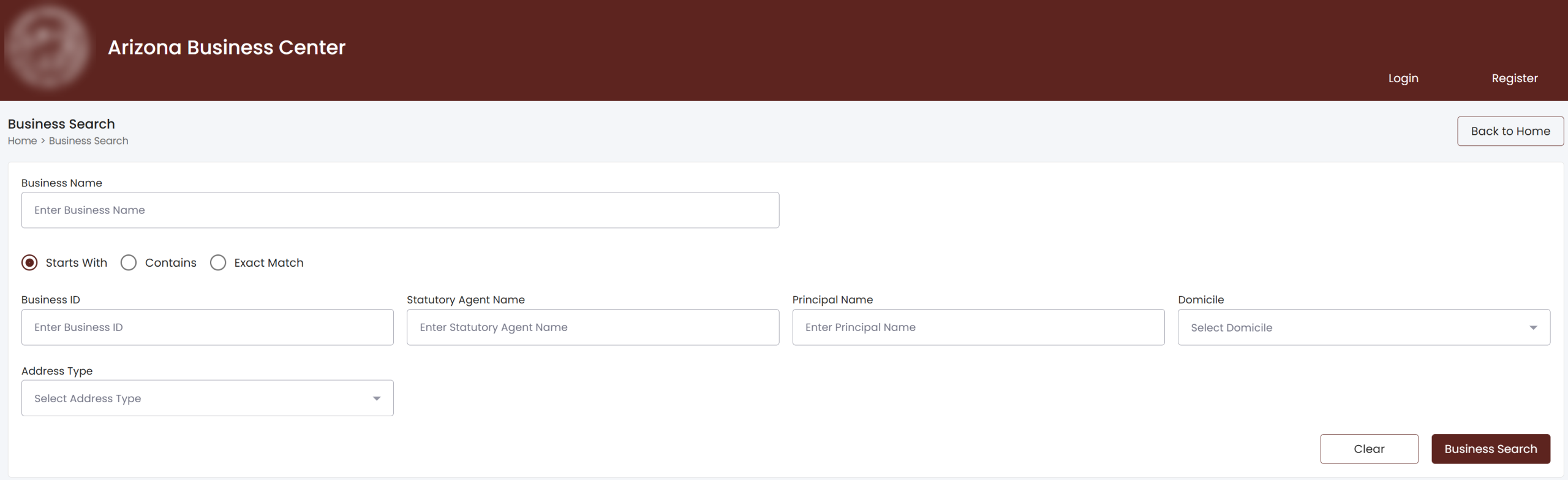
Enter the business name in the first blank field, then select whether the search tool should find names that start with, contain, or exactly match the entry.
Optional Info: Results can be refined by providing the following information (see image):
- Business ID
- Statutory Agent Name
- Principal Name
- Domicile
- Address Type
3. Complete the Captcha
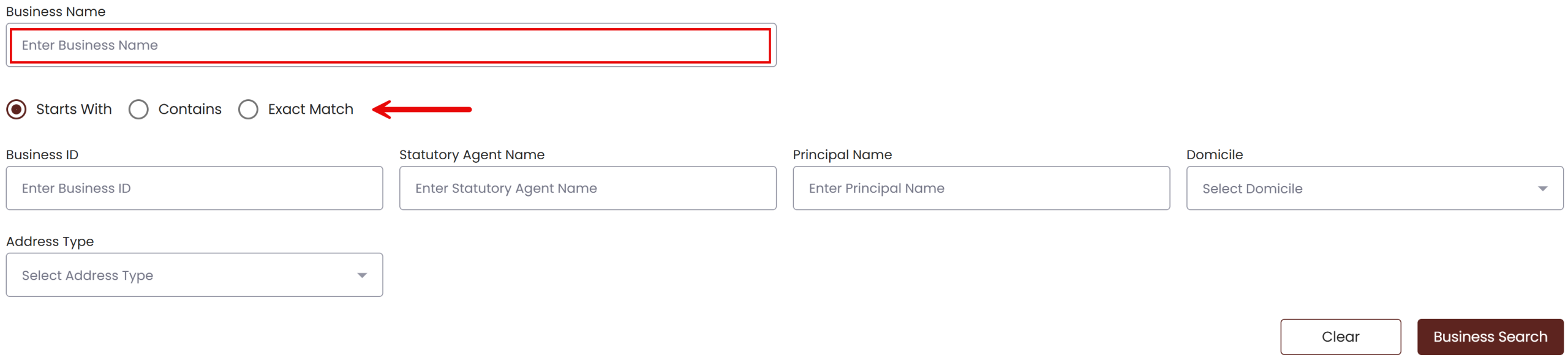
After submitting a search, a pop-up will appear requiring users to solve a captcha. Enter the characters shown in the validation window into the field directly below it, then click Verify.
4. Review the List of Entities
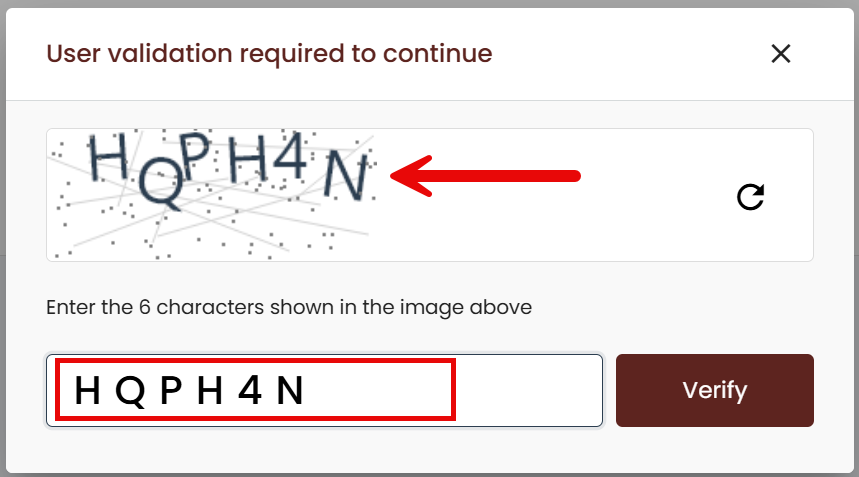
Check the results page to see whether any matching entity names appear.
If no results appear: A notice will state that no results were found (see image).
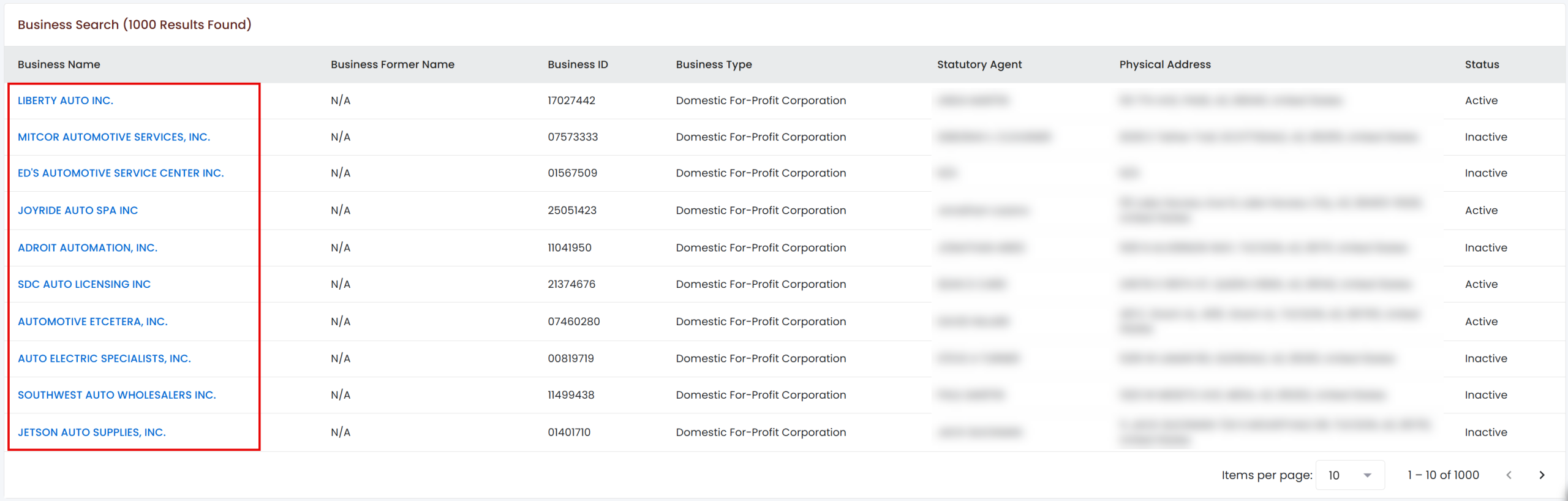
If results appear: Similar or matching business names will be listed below the search tool. Review the entities to determine whether the desired name conflicts with an existing company name. To view more information about a listed entity, select its business name in the left-hand column.
5. View the Entity Details Page
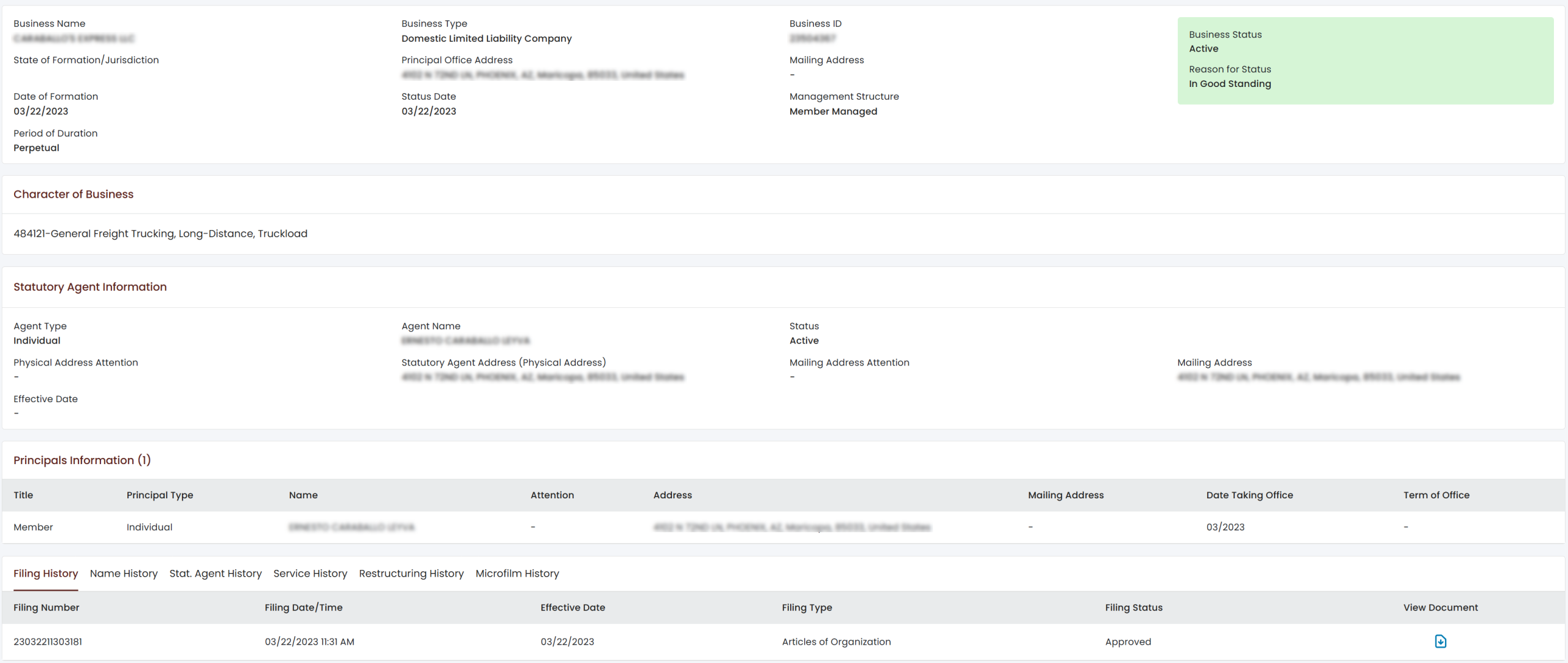
Selecting a business name from the list of search results opens a new page with the following information for the selected entity:
- Business Name
- Business Type
- Business ID
- Principal Office Address
- Mailing Address
- Date of Formation
- Status Date
- Business Status
- Reason for Status
- Management Structure
- Period of Duration
- Character of Business
- Statutory Agent Information
- Principals Information