Search Georgia business entities through the online platform provided by the Secretary of State’s Corporations Division. The portal can be used to research registered entities, review business filings, and run a preliminary name availability check before forming a business.
Business Entity Search

By searching, you agree to our Terms of Use and Privacy Policy.
Business Entity Search
1. Access the Corporations Division Search Page
2. Provide Entity Information
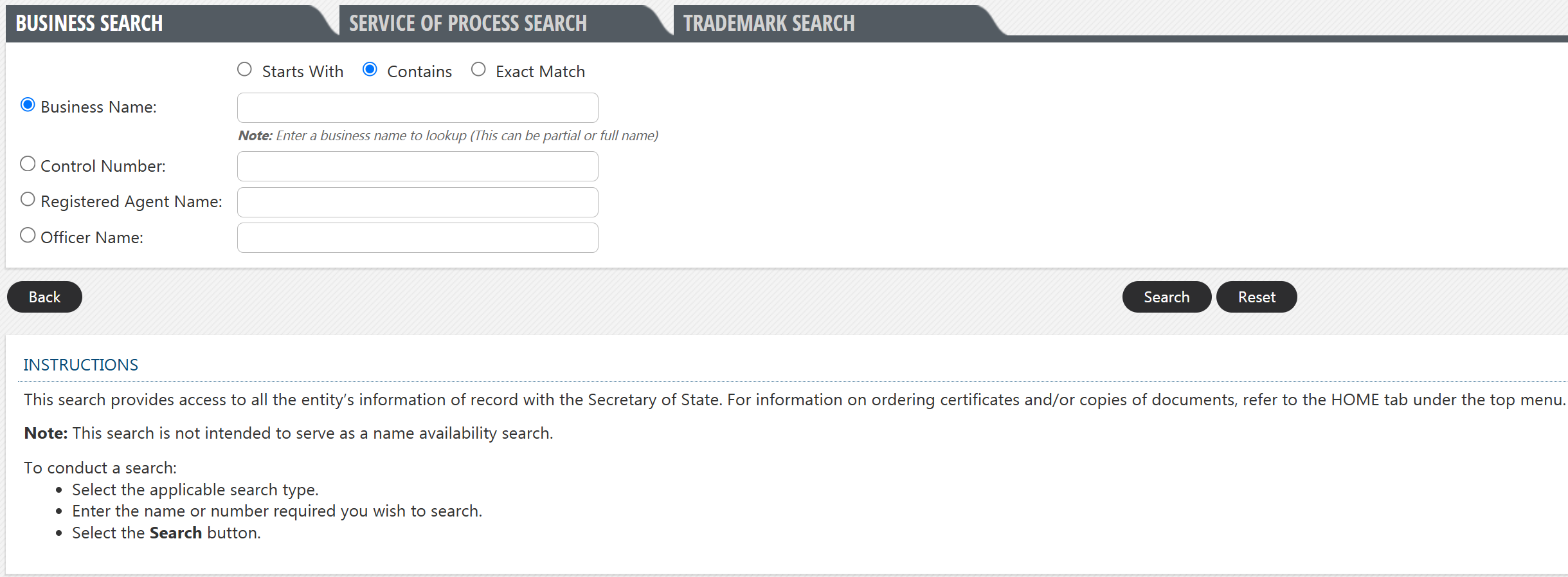
A business search requires users to provide an identifying detail about an entity to locate matching records. Any one of the following may be used:
- Business name
- Control number
- Registered agent name
- Officer name
Enter a business detail in the applicable field and choose Starts With, Contains, or Exact Match to indicate how the information should be matched. Click Search to continue.
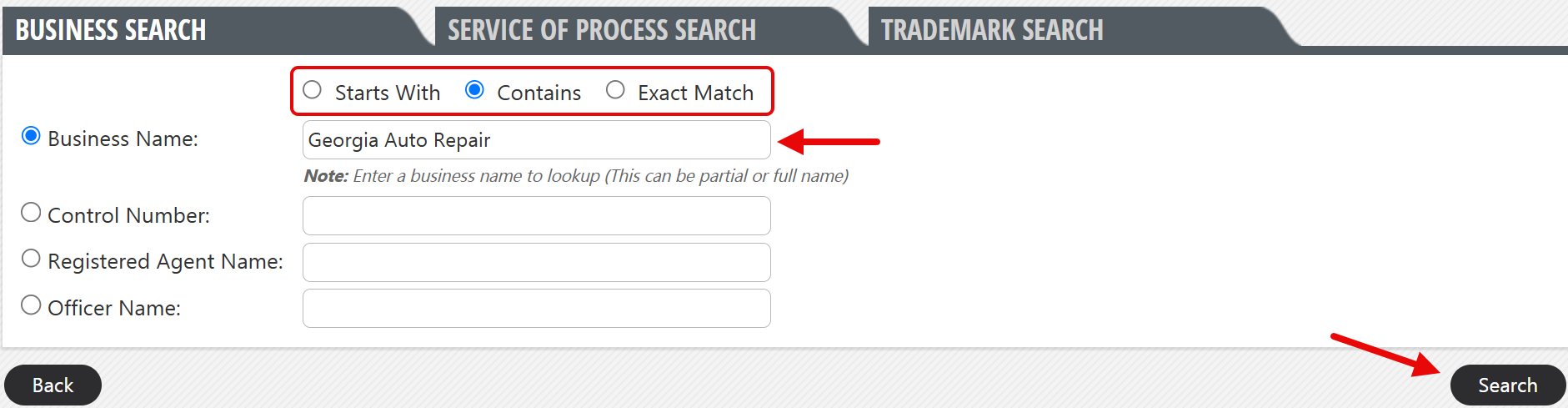
3. Review Business Search Results
What appears next depends on whether the search yields any results:
No Results – An alert will pop up if no records are found (see image). For a name availability search, no results typically means the proposed entity name is available.
Results Found – Matching entities will be displayed in alphabetical order. Select one of the business names to access a page containing more information about the entity.

4. Inspect Full Business Record
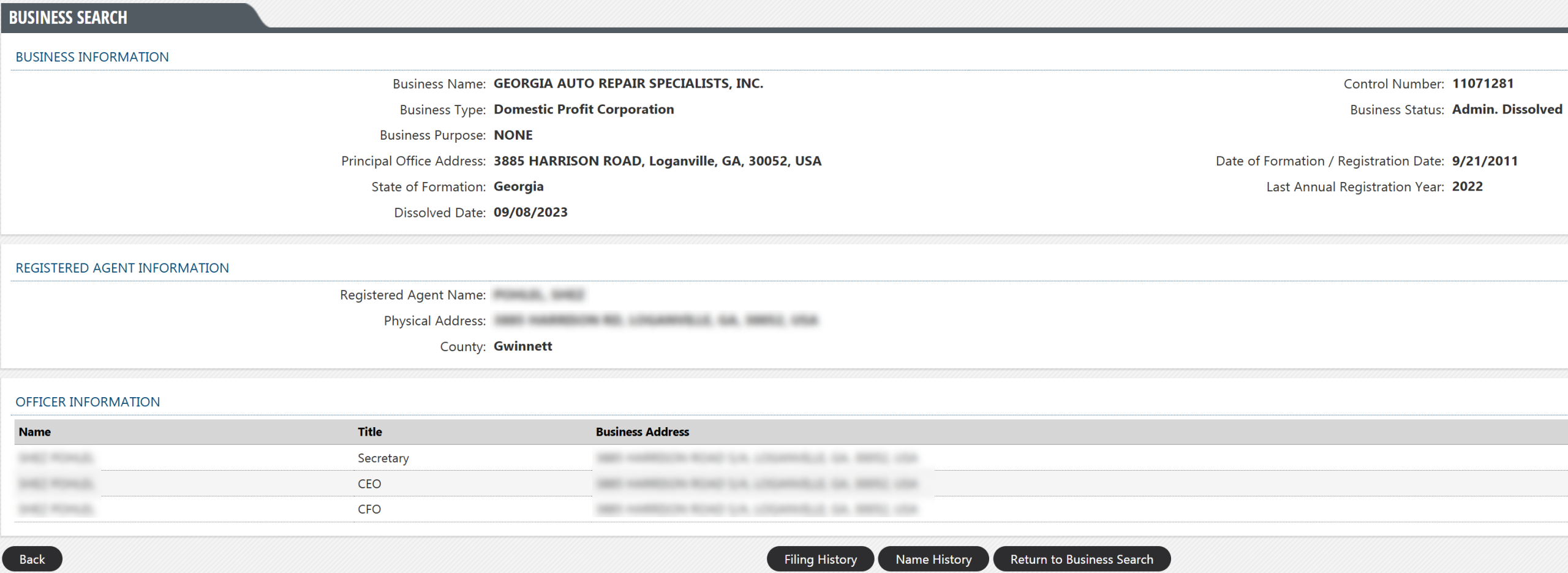
The selected entity’s record displays the following business information:
- Business name
- Business type
- Business status
- Business purpose
- Principal office address
- State of formation
- Registration/formation date
- Last annual registration year
- Dissolution date (if applicable)
- Registered agent name and address
- Officer name, title, and address (for corporations only)
To view the entity’s filing or name history, select the applicable button located directly below the business record (see image).