Use the New Mexico Business Search to locate an entity’s business public information or to check whether a chosen name is available for registration. The Secretary of State’s online portal enables both basic searches and advanced searches of their corporate database. If no results appear, it is likely the entered entity name is available for use.
Business Entity Search

By searching, you agree to our Terms of Use and Privacy Policy.
Business Entity Search
1. Go to Business Search Homepage
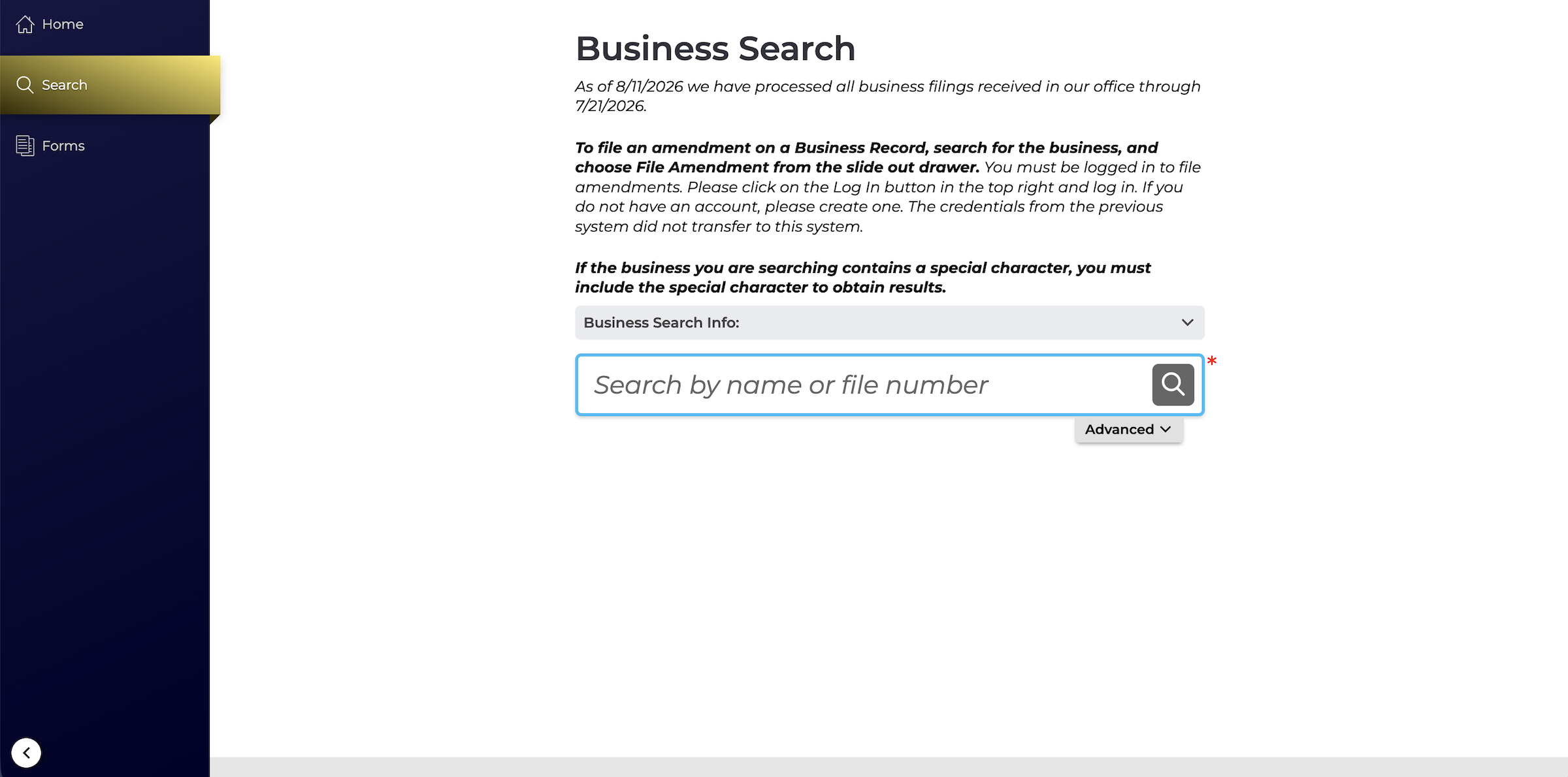
2a. Perform Basic Search
The search that is immediately available on the homepage is a basic search, available by entity name or file number. These options are best if looking to research/access a particular business.
For an advanced search or name availability check, click Advanced ⌄.

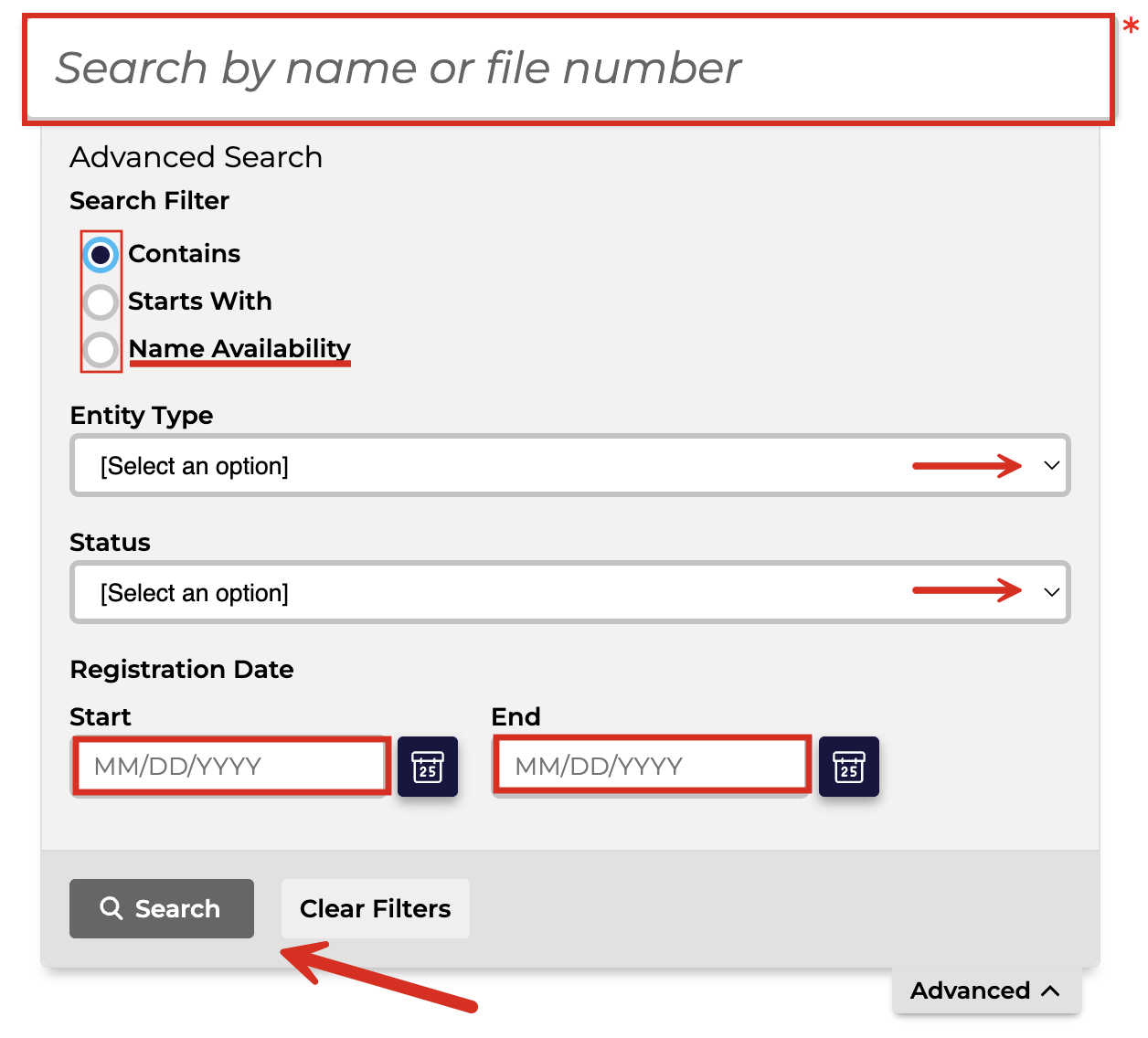
2b. Perform Advanced Search
Enter the name of the business or a keyword into the available field. If searching for an existing business, choose between Contains and Starts With under Search Filter. There is also the option to select an Entity Type and Status, and enter the Registration Date.
Click Search when ready.
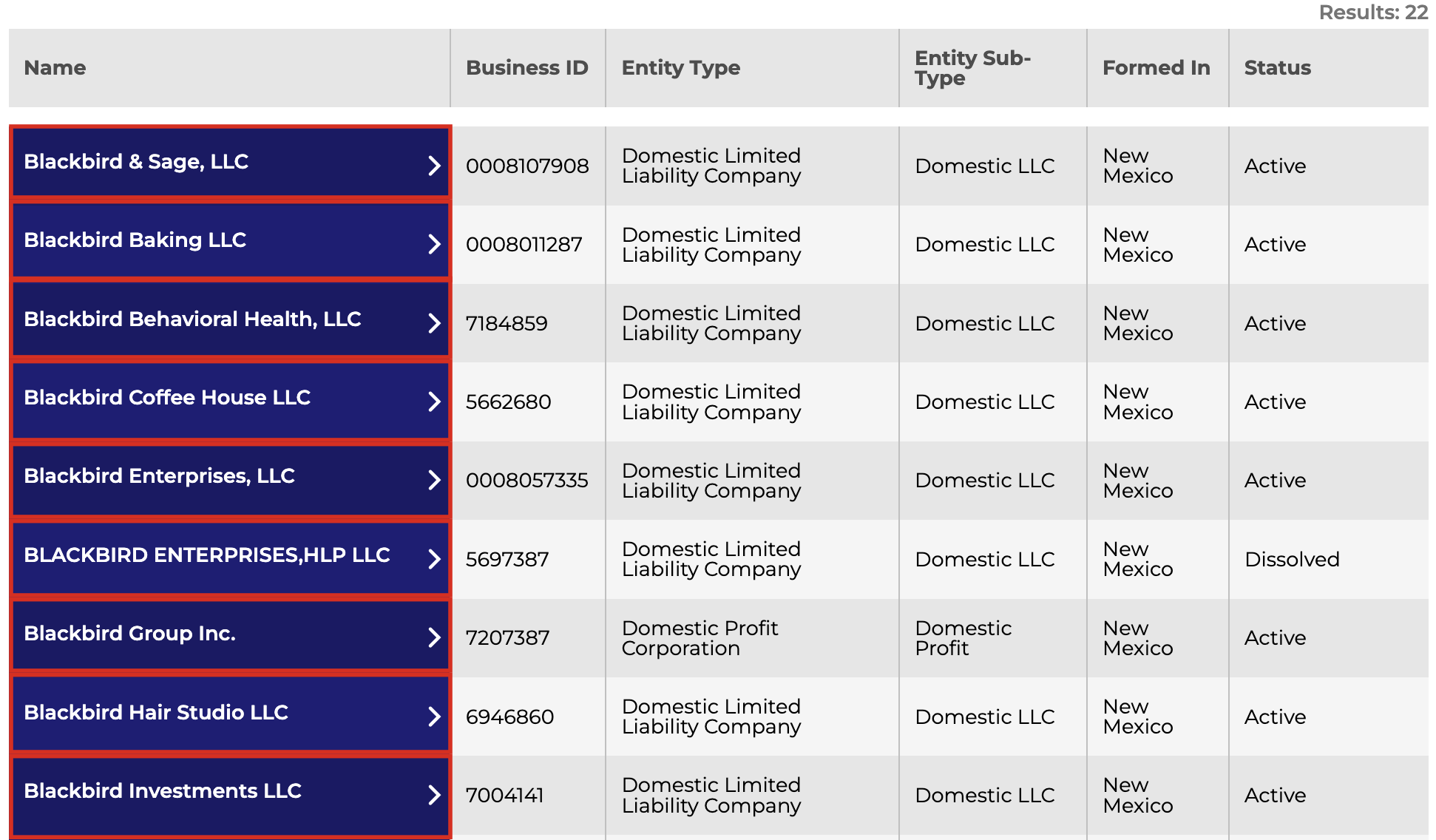
3. Review Results
The next page will display all entities that match the search criteria, including their ID number, entity type and subtype, state/jurisdiction of formation, and current status.
Clicking the blue box containing the entity name will present further information on that business.
4. Review Entity Details
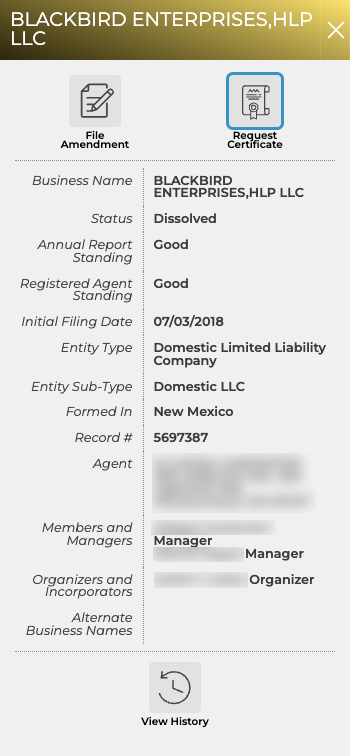
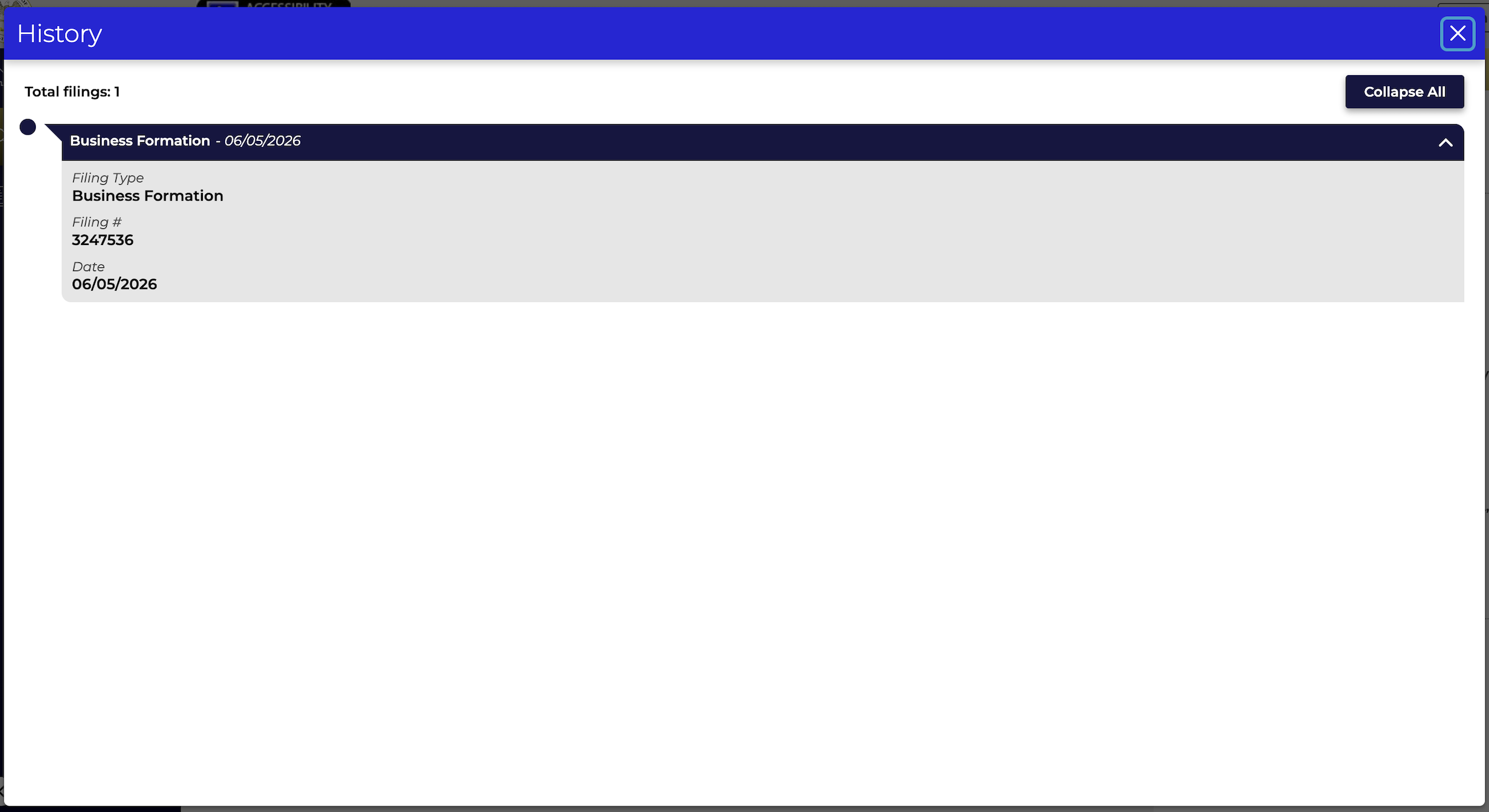
In a sidebar on the right side of the screen, users should be able to review the following additional info:
- Annual report standing
- Registered agent standing
- Initial filing date
- Agent name and address
- Members and managers
- Organizers and Incorporators
- Alternate business names
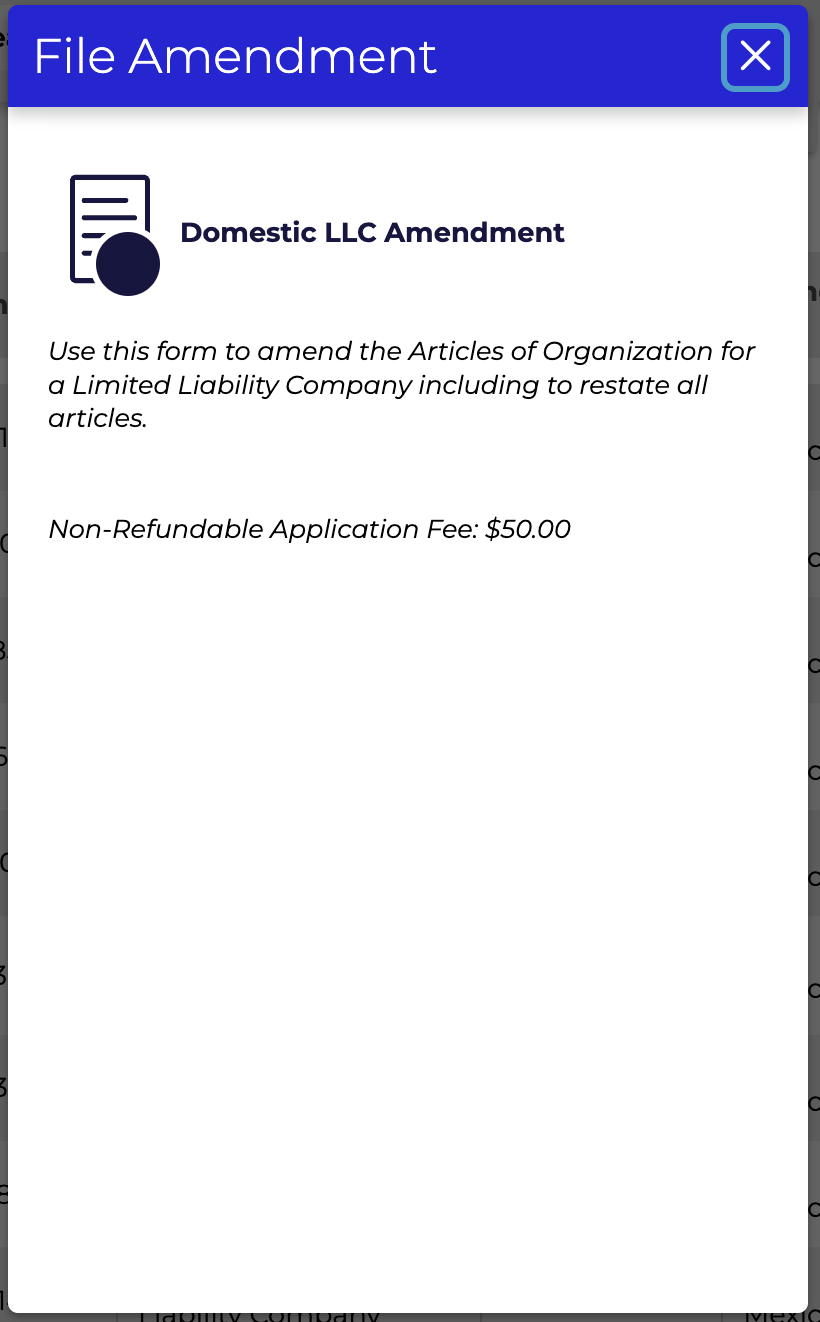
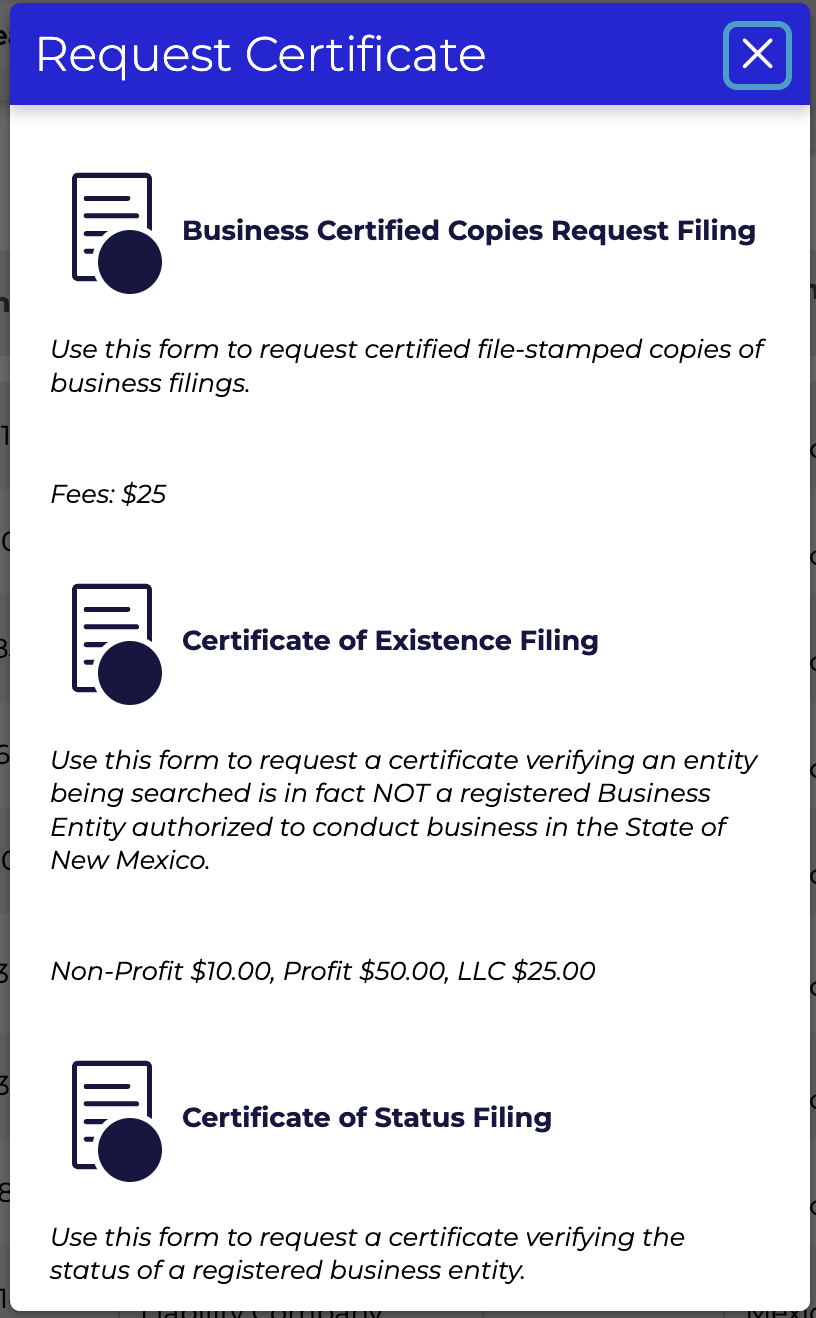
There are three buttons available as well that enable users to file amendments (see image), request certificates of good standing (see image), or view the filing history (see image).