Find North Carolina business entities by using the Secretary of State’s business search portal. The platform can be used to browse company information as well as check if a business name is available. New entity names must be distinguishable from all other active businesses, and performing a search before registering can help determine if a name is already taken.
Business Entity Search

By searching, you agree to our Terms of Use and Privacy Policy.
Business Entity Search
1. Go to the SOS Business Search Platform
2. Perform a Search
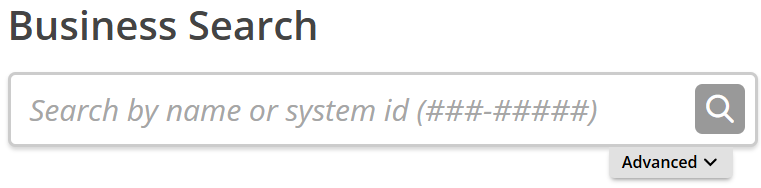
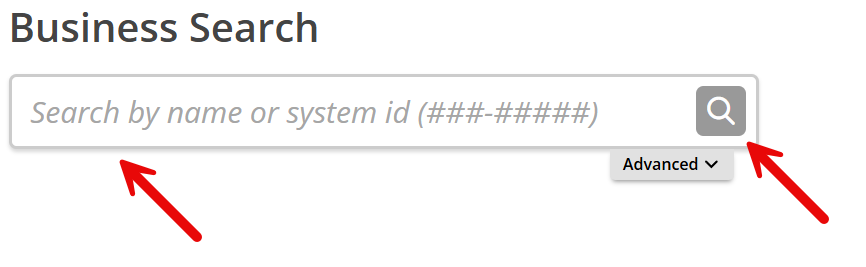
Entities can be found by providing a business name or an ID number. Enter the information into the search bar and click the magnifying glass to proceed.
Click on the Advanced tab to refine search results by selecting Contains or Starts with for different keyword results or click Active entities only to remove inactive companies from the results list (see image).
3. View List of Entities
No Results: If a no results notice pops up (see image), it could mean that the business name provided in the search is available for a new entity to use. The name must still conform with the statutory naming requirements and pass SOS approval.
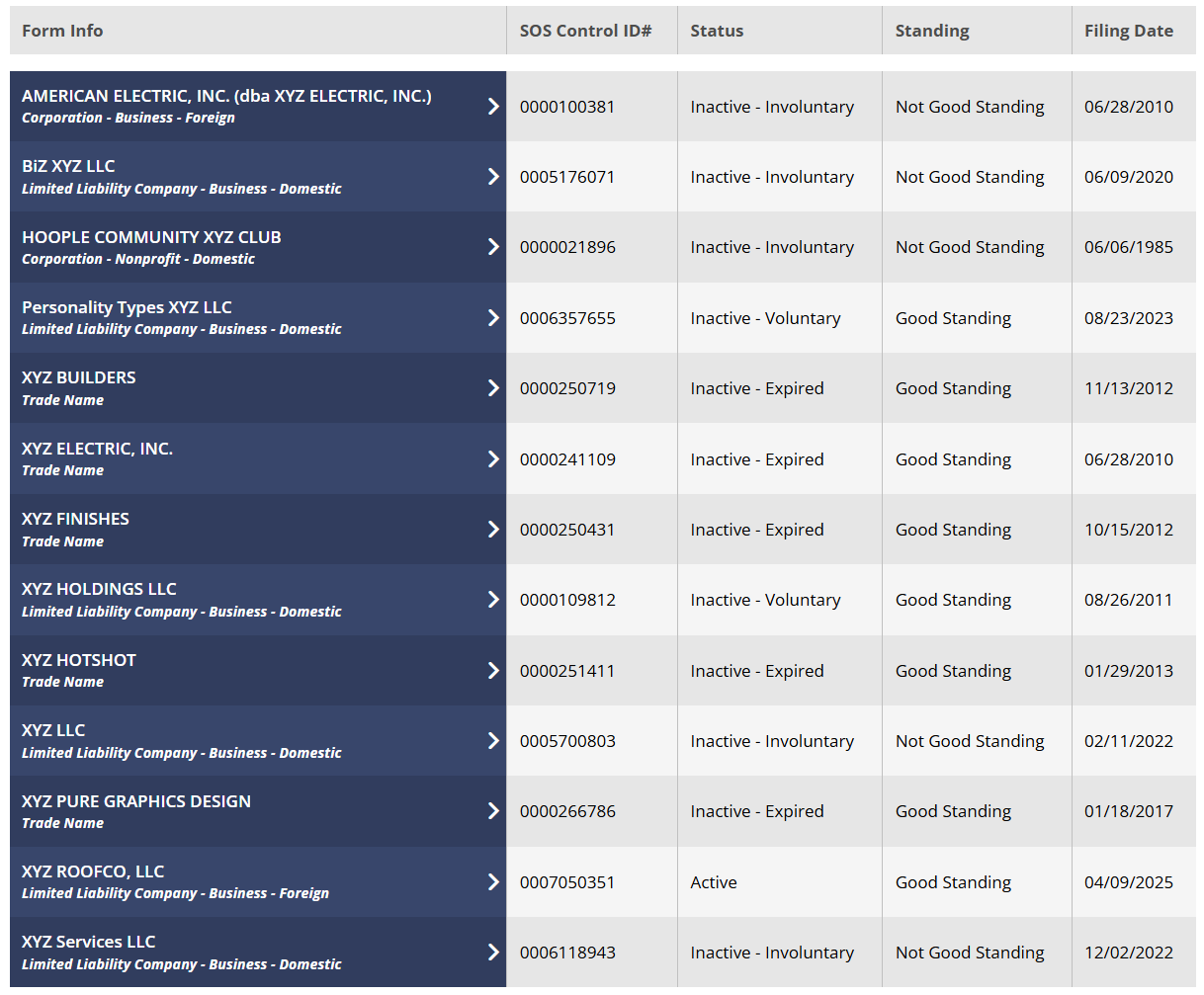
List of Results: If the name or ID matches any companies registered with the state, a list will display the business name, entity structure, ID number, status, standing, and filing date. Click on a company to pull up additional info.
4. View More Information
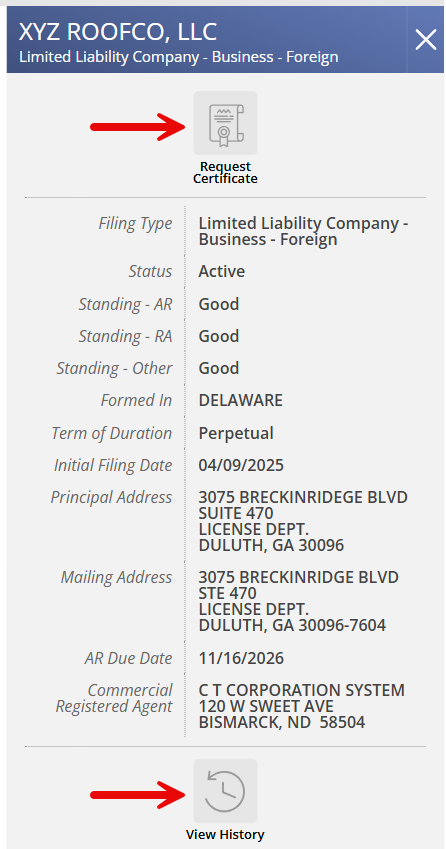
After clicking on an entity name, a sidebar will display the following company details:
- Filing type
- Status
- Annual reports standing
- Registered agent standing
- Other standing
- Formation jurisdiction
- Term of duration
- Filing date
- Principal address
- Mailing address
- Annual report due date
- Registered agent info
Click on Request Certificate to obtain the company’s certificate of good standing, if available (see image). Click on View History to browse the entity’s history of annual reports, letters of standing, and filing information (see image).