Search Idaho business entities in the Secretary of State’s records using the SOSBiz portal. The platform can show whether a name is available for a new business registration. It also allows the public to look up an existing entity’s official details (e.g., status, address, registered agent info).
Business Entity Search

By searching, you agree to our Terms of Use and Privacy Policy.
Business Entity Search
1. Visit the SOS Business Search Website
2. Supply Entity Information
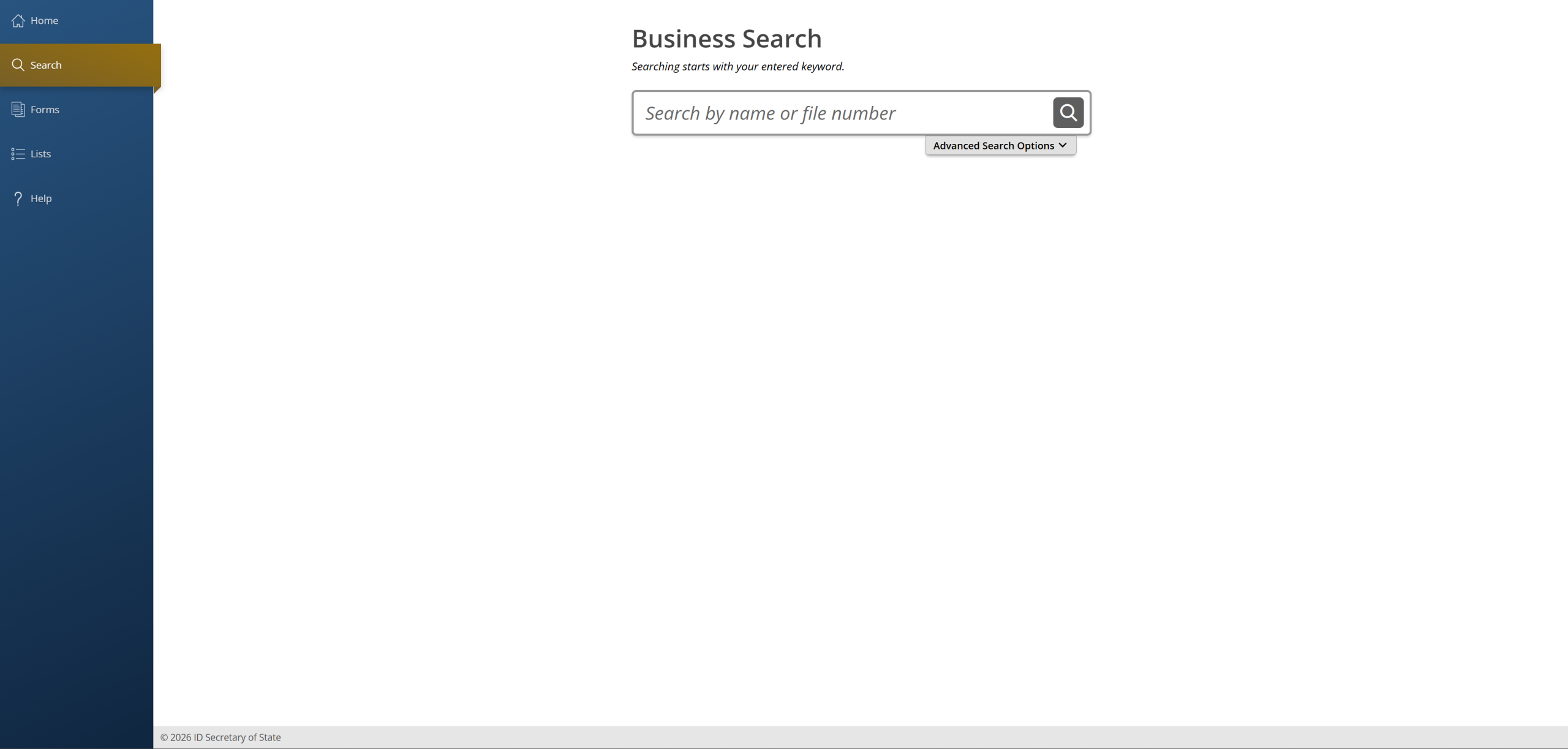
Start by entering an entity name or file number into the field below Business Search. Using a keyword or partial business name is recommended when checking name availability, while a file number is better for finding one particular entity.
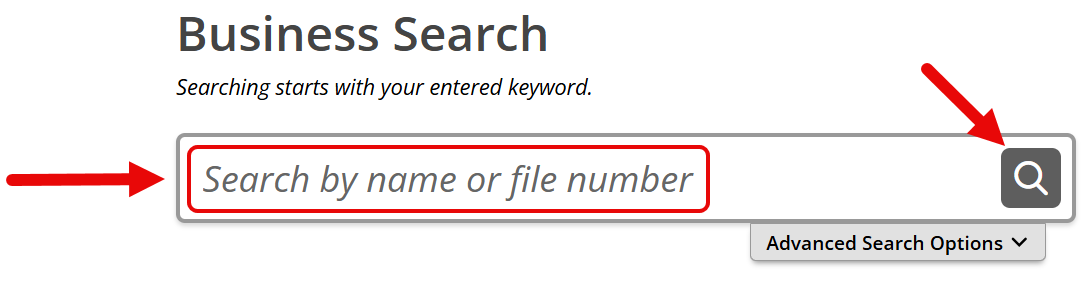
Continue by selecting the magnifying glass on the right side of the entry field. Alternatively, press Advanced Search Options to access filters (see image).
3. Use Advanced Search Filters (if applicable)
If Advanced Search Options was selected in the previous step, a set of filters will appear below the entry field. Use the filters to adjust the search as needed (see below).
- Match type: Select Starts With or Contains (see image).
- Registered agent search: Select Search by Registered Agent, then replace the entity name or file number in the search field with the agent’s name (see image).
- Entity status: Limit the results to active entities only (see image).
- Filing date: Enter a date range to narrow the results (see image).
Press Search once all advanced options have been set.
4. Inspect Search Results
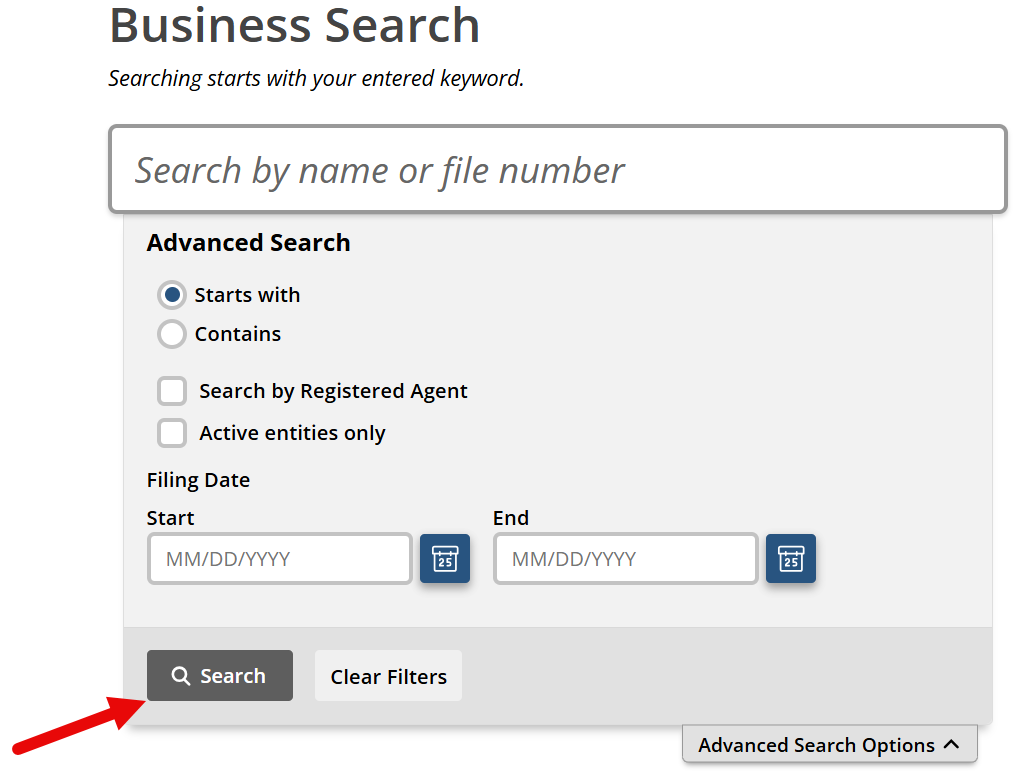
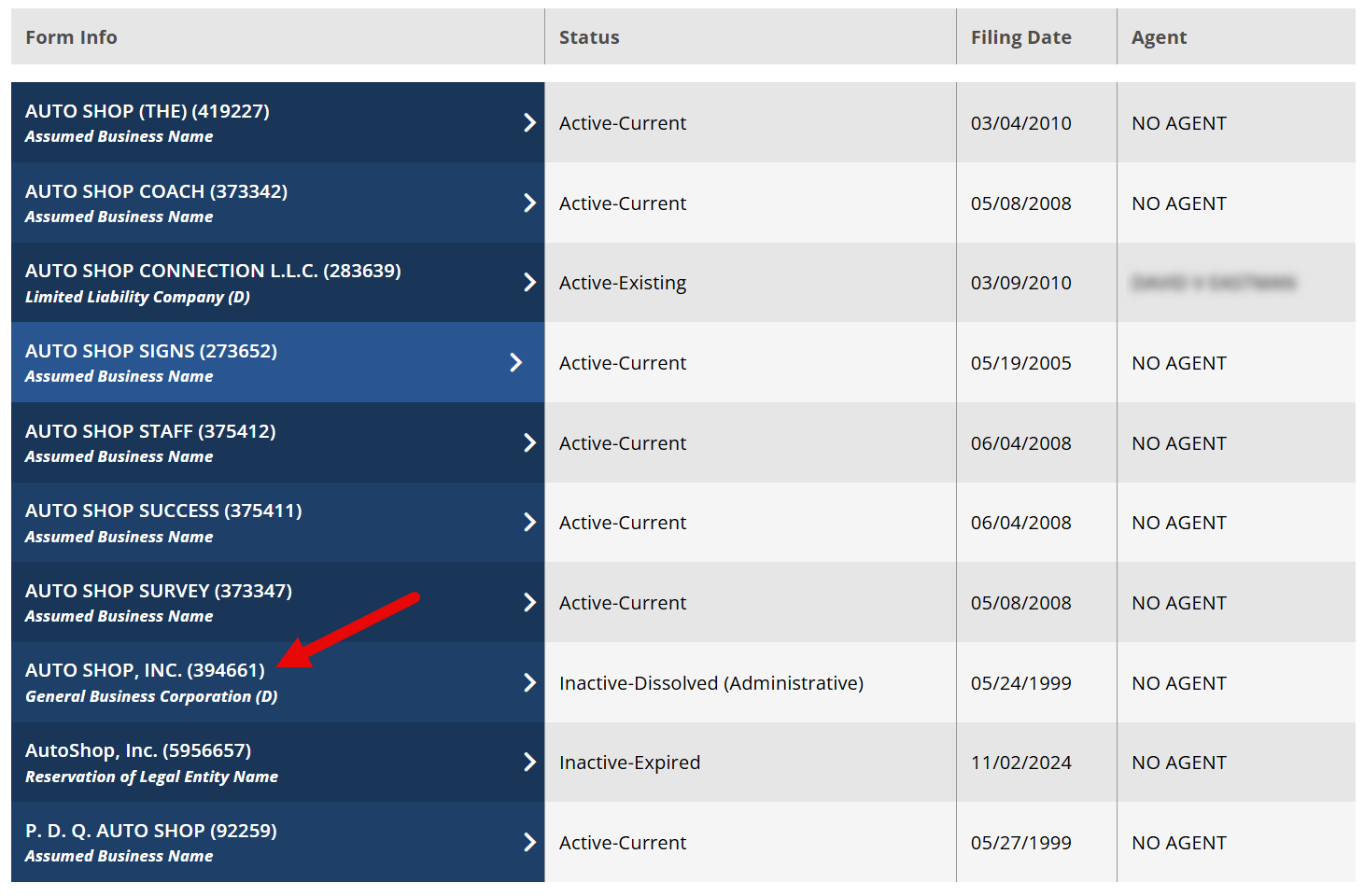
Businesses that match the search text will be listed for review. The list includes each entity’s “form info” (name, file number, type), status, filing date, and agent name.
More information about a business can be viewed by selecting its name under Form Info.
If no results are found when checking the availability of a business name, it means the name is unregistered and may be available for use.
5. View Details Window
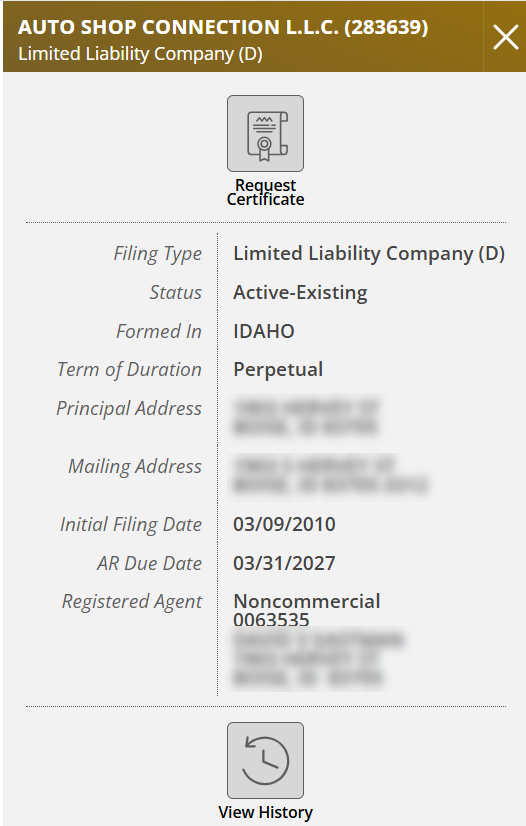
Selecting a business name opens a window on the right side of the page with additional entity information. The provided details may vary but typically include:
- Entity name
- Filing number
- Filing type (i.e., entity type)
- Status
- Place of formation
- Term of duration
- Principal address
- Mailing address
- Initial filing date
- Annual report due date
- Registered agent information
The entity details window also includes the following options (see image):
- Request Certificate: Use to purchase a Certificate of Existence/Filing.
- View History: Use to review the entity’s filed documents.