Perform a Minnesota business entity search to review records on file with the Secretary of State. The service can be used to find out whether a chosen name is available for a new entity, or to research any business in the government database.
Business Entity Search

By searching, you agree to our Terms of Use and Privacy Policy.
Business Entity Search
1. Go to Business Filings Search Page
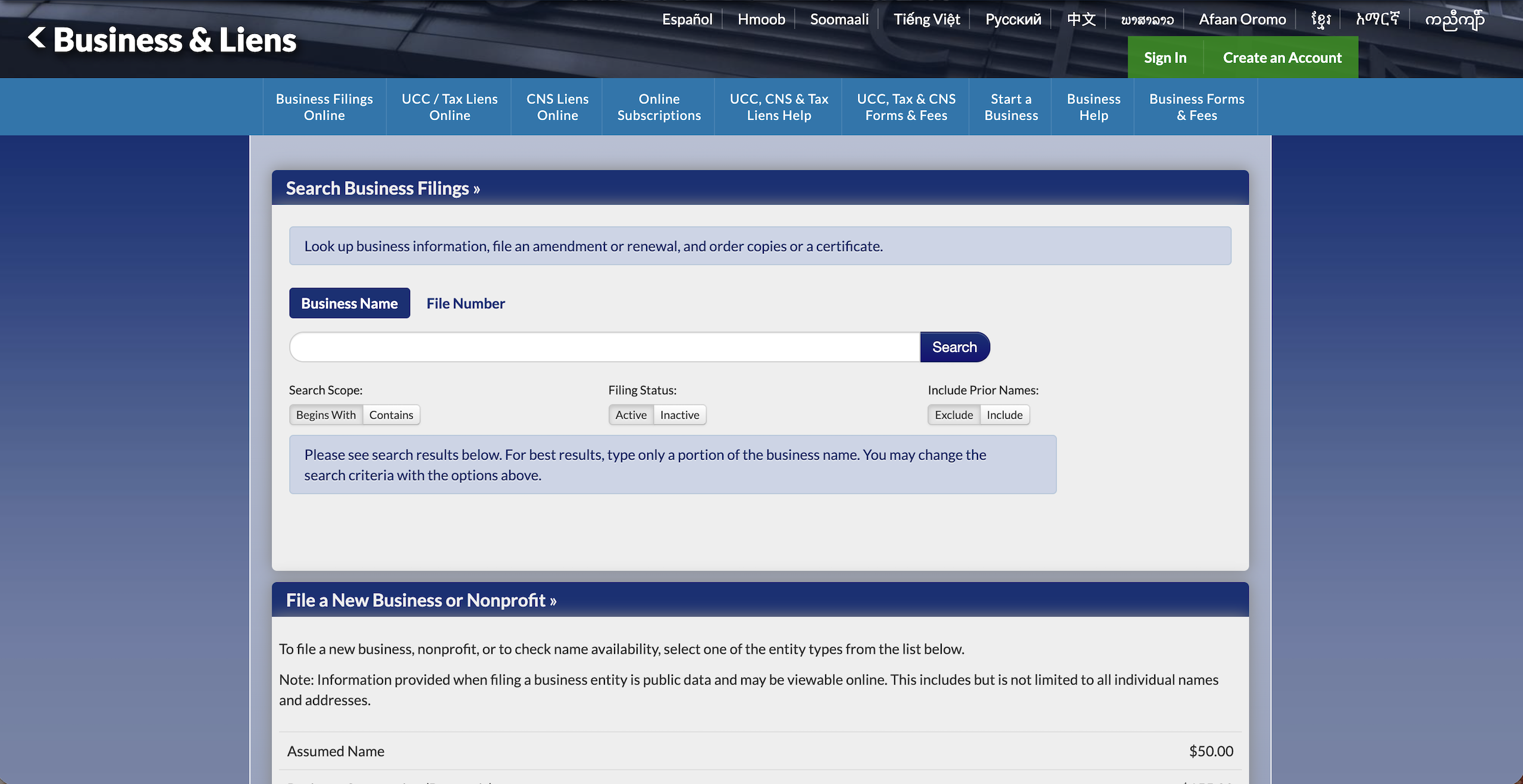
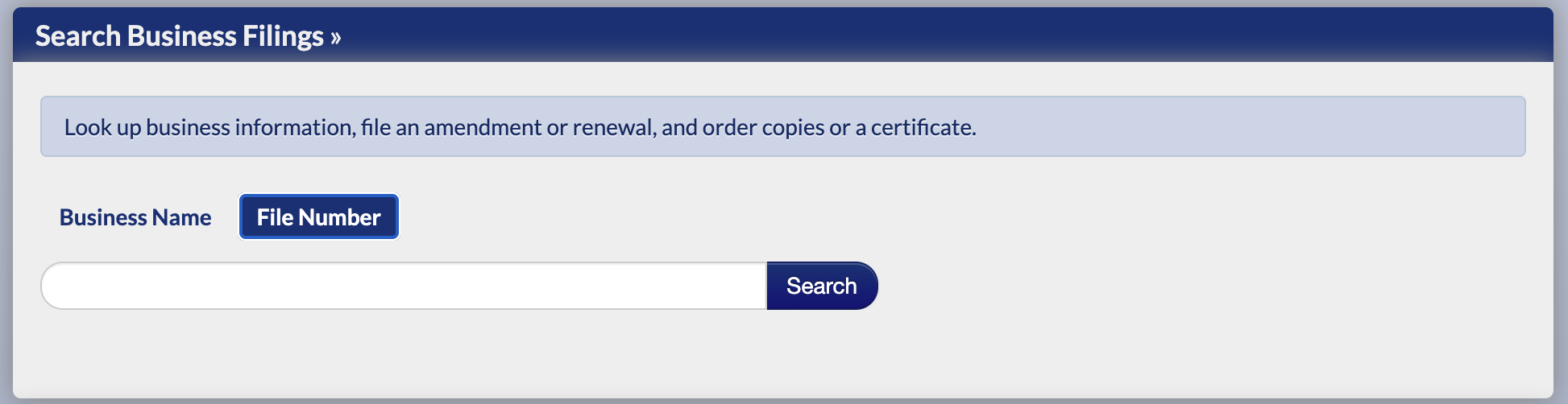
2. Enter Business Name
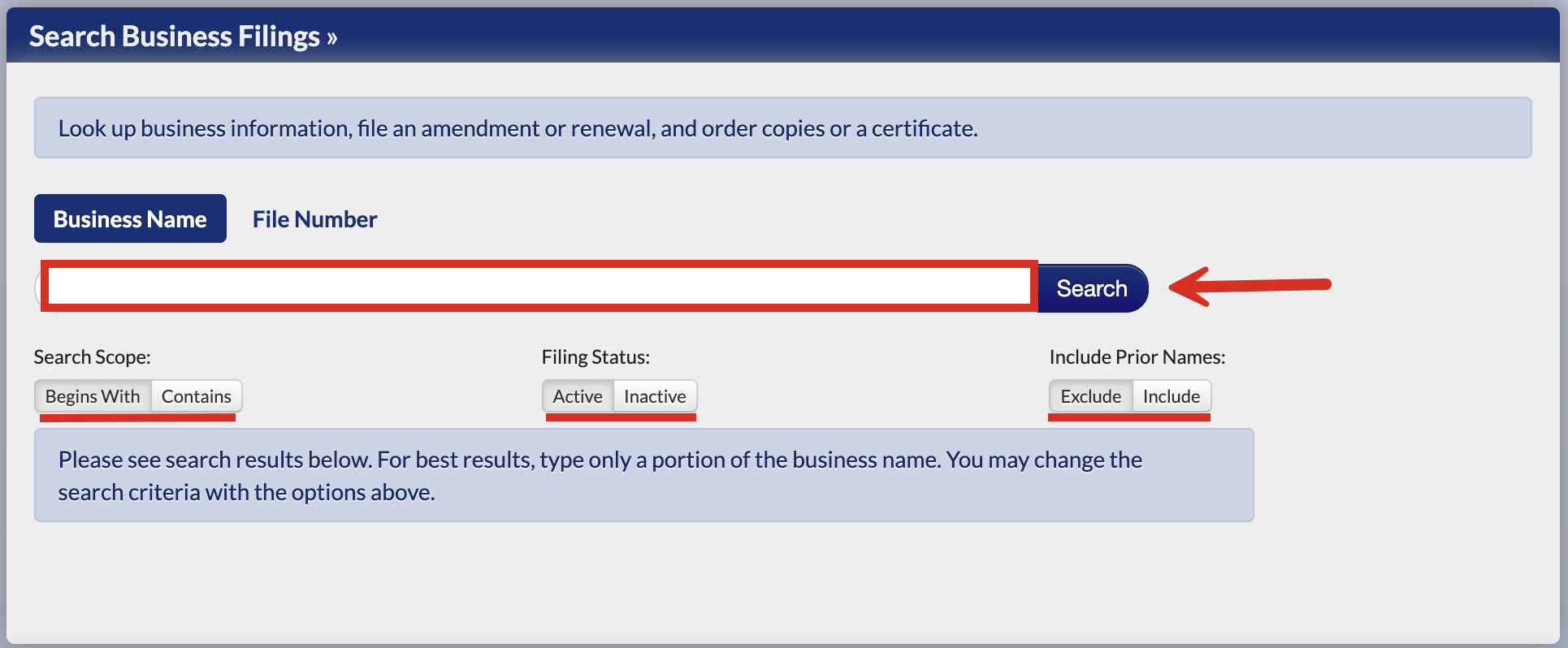
To check whether a name is already on file with the Secretary of State (without creating an account), enter it into the available field on the homepage and select one of the two options under Search Scope (Begins With or Contains).
It is recommended to search for both active and inactive entities as the SOS will reserve a name for an inactive entity for a period of a year after becoming inactive.
Make sure Exclude (prior names) is selected before clicking Search.
3. Review Search Results
If there are no search results (see image), it is likely that the chosen name is available for use.
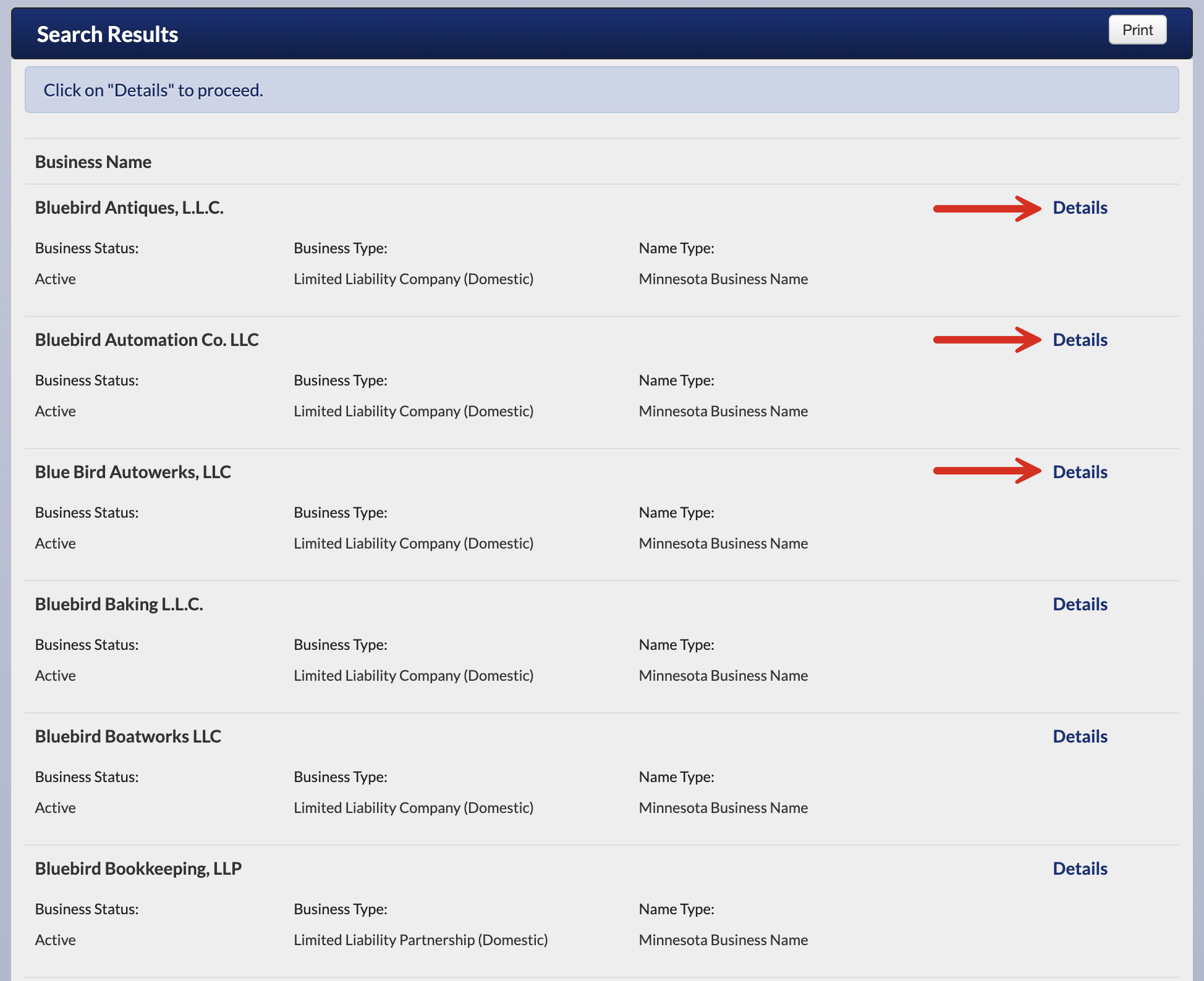
If the name matches those on record, a list will appear like the one pictured below. It will display each entity’s Business Name, Status, Type, and Name Type.
Click Details to gain more information.
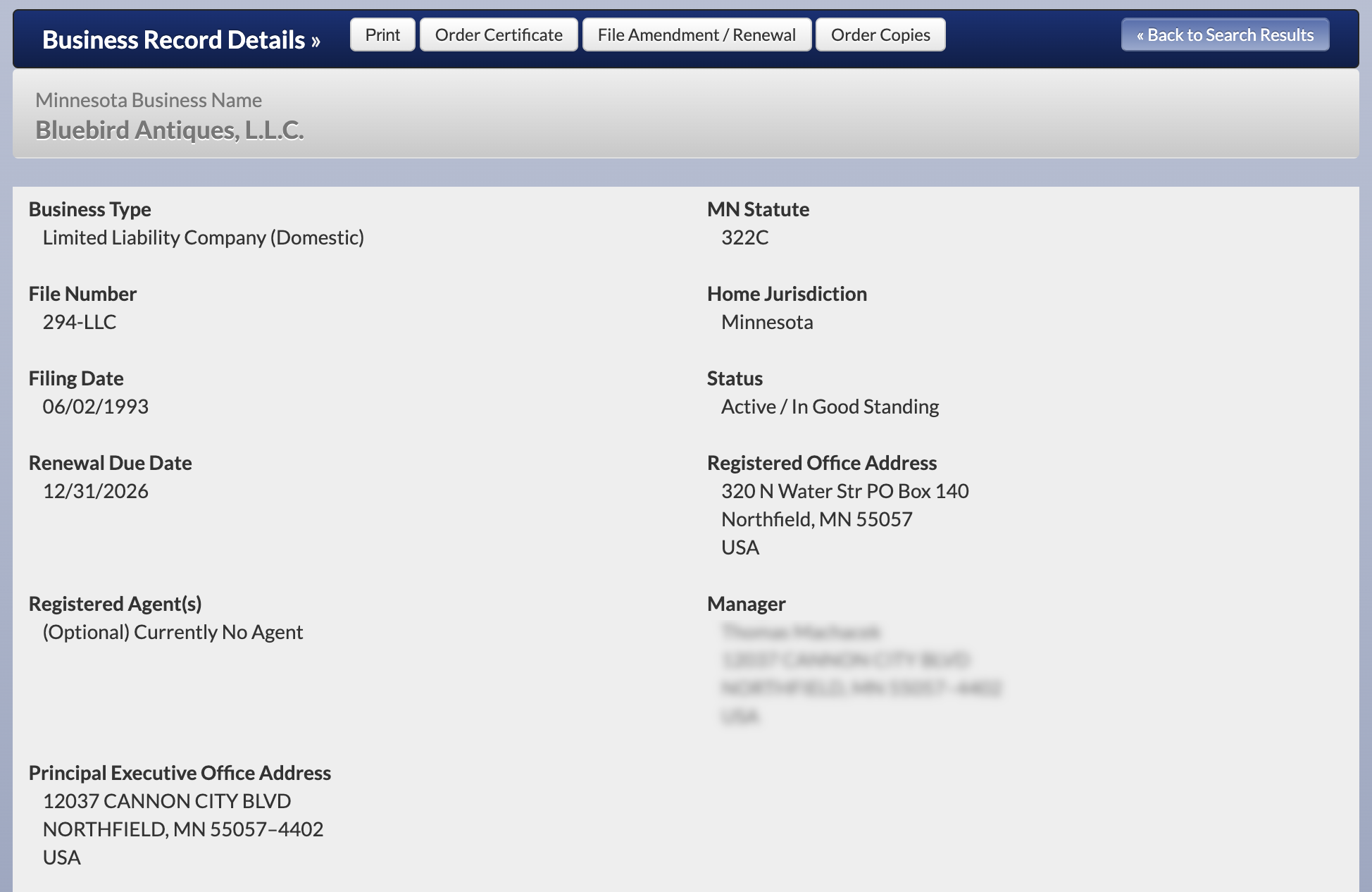
4. View the Business Record Details
The business record details provide access to all of the following:
- Business name
- Business type
- File number
- Filing date (of formation)
- Renewal due date
- Registered agent(s)
- Principal executive office address
- MN statute that governs entity
- Home jurisdiction
- Status
- Registered office address
- Manager name and address
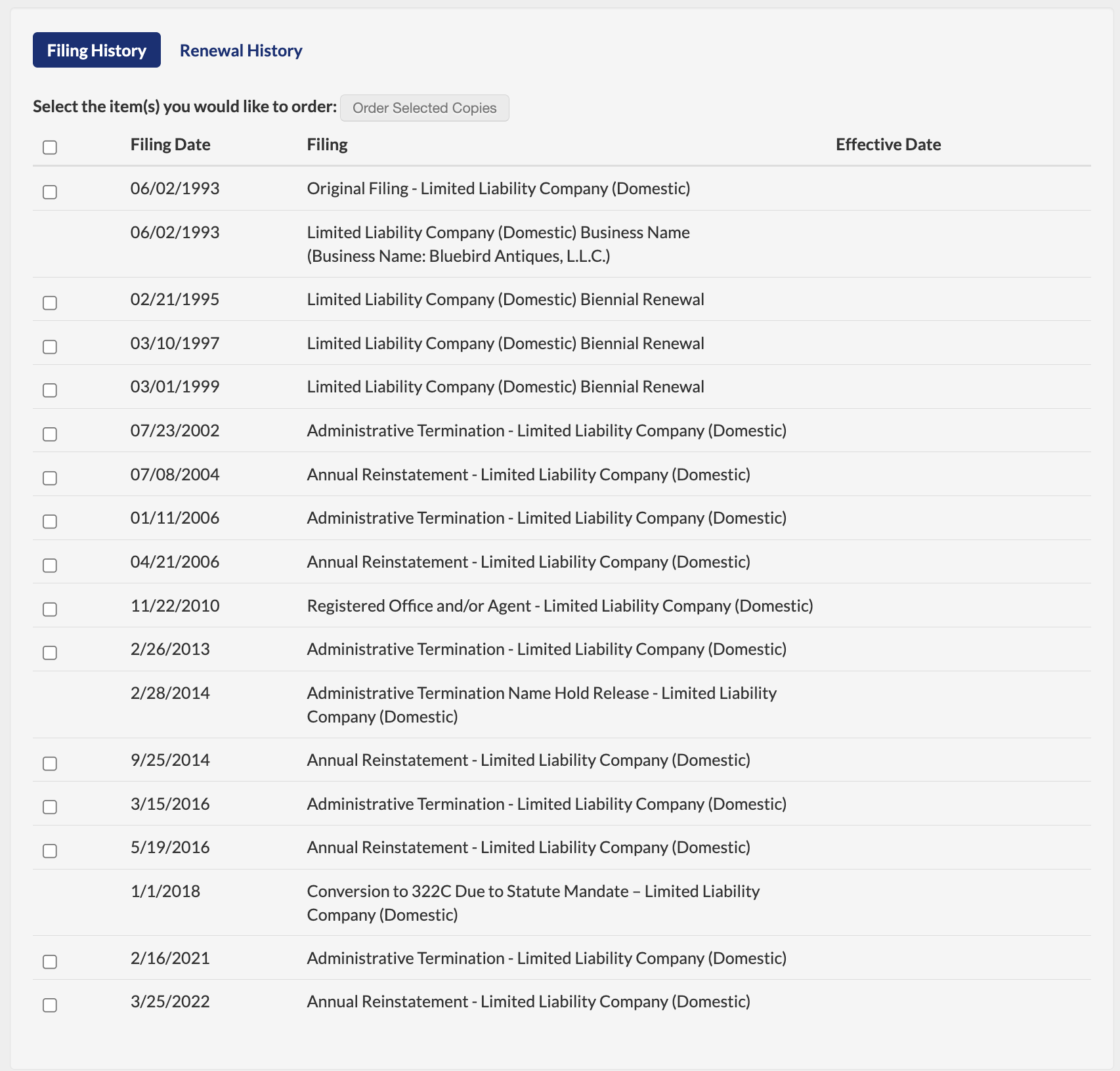
- Filing history (see image)
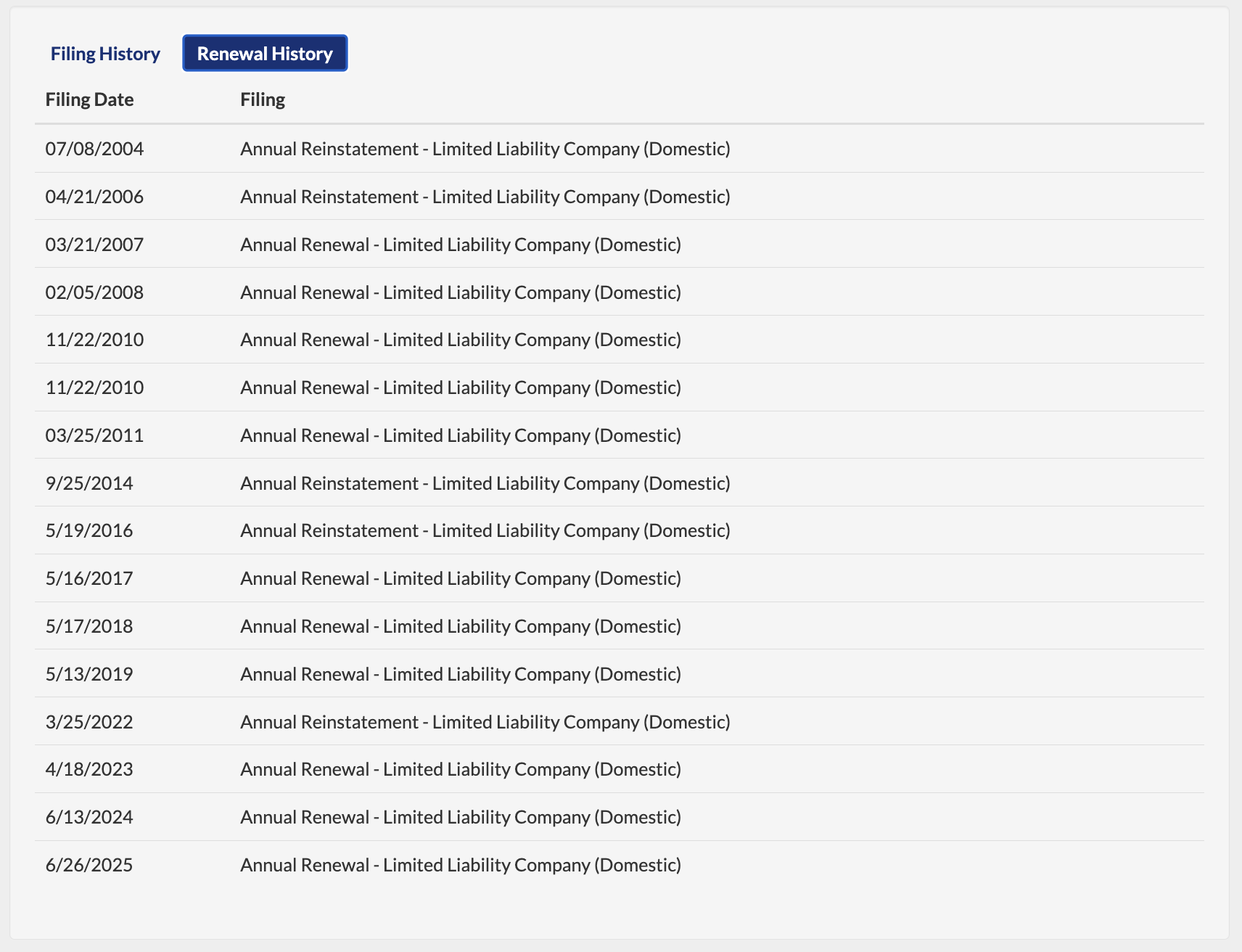
- Renewal history (see image)