Search the New York business entity database to discover whether a company name can be used in the state, or to research the business information of a registered entity. The Division of Corporations has provided an in-depth search portal that enables users to look through company data of entities active and inactive.
Business Entity Search

By searching, you agree to our Terms of Use and Privacy Policy.
Business Entity Search
1. Search Business Entity Database
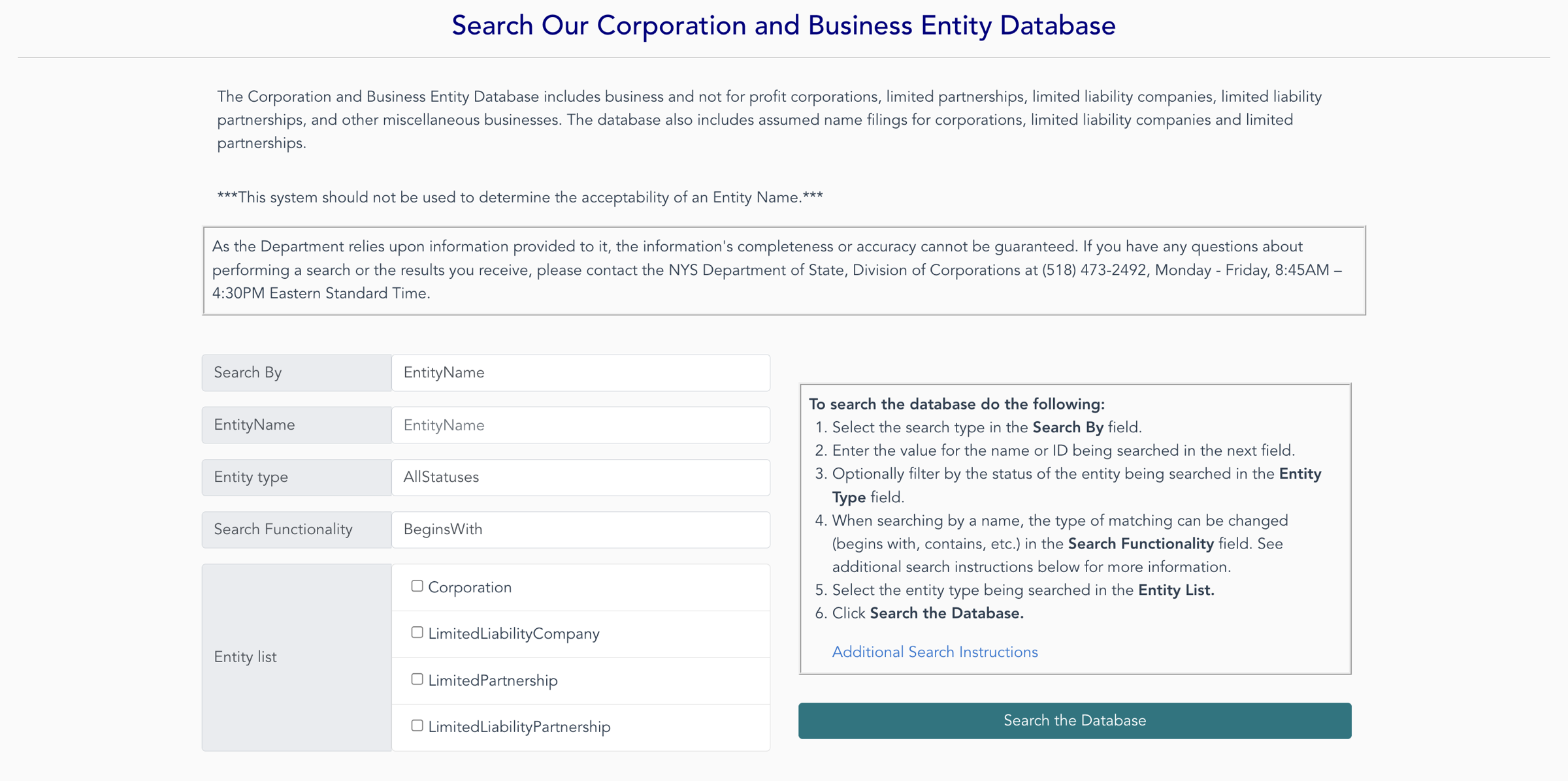
2. Enter Search Info
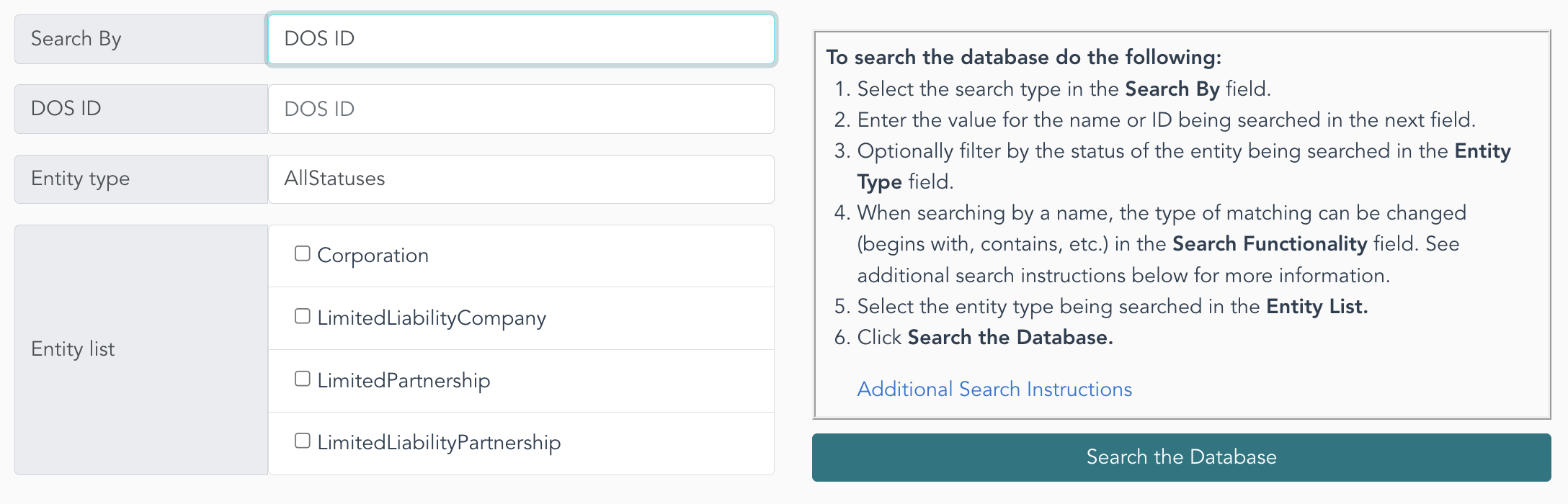
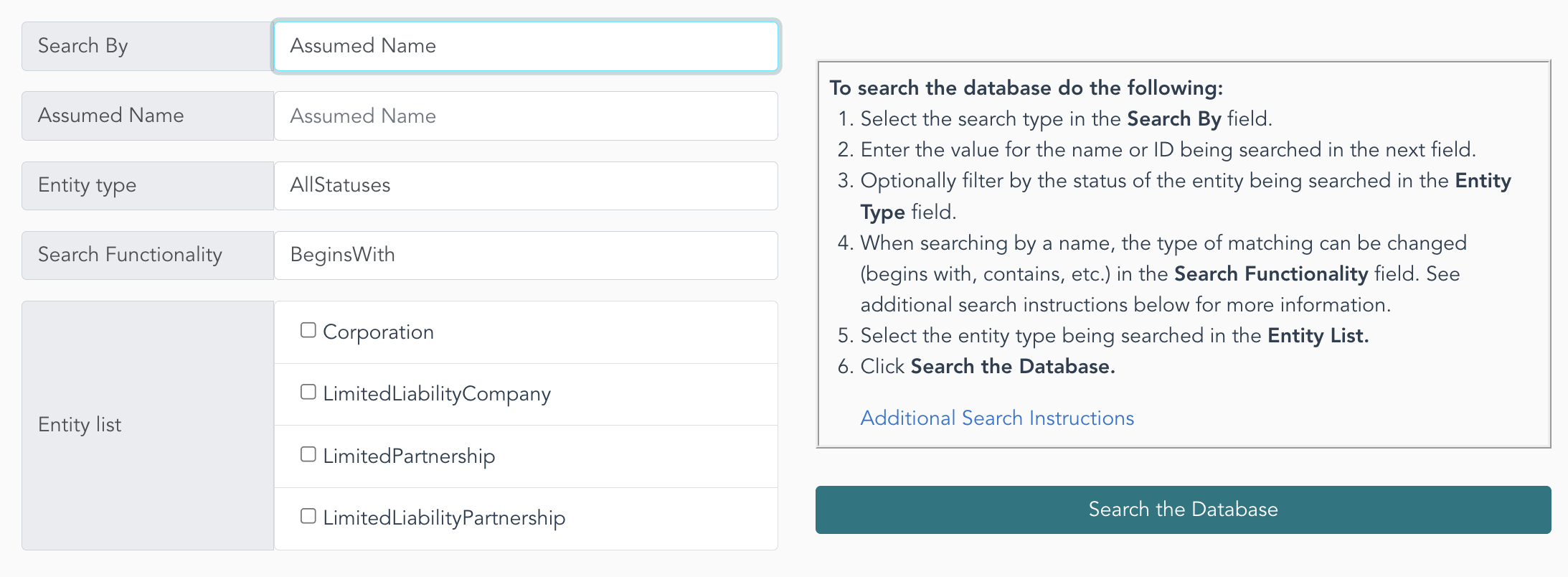
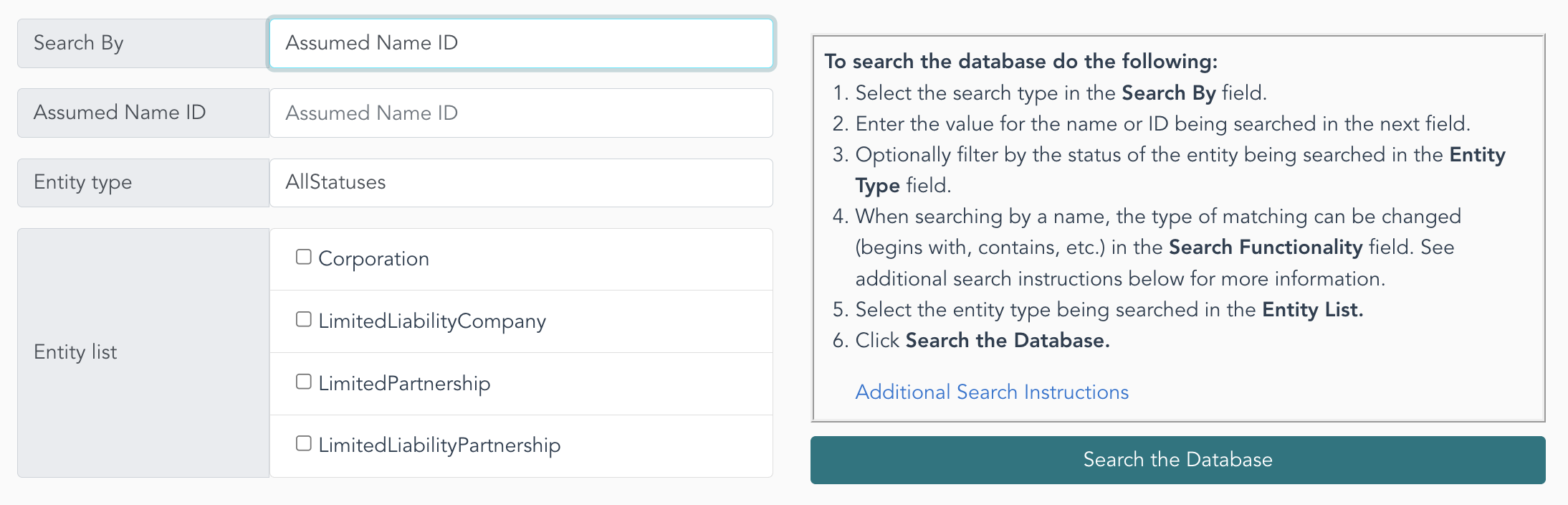
On the home page, start by selecting the search type in the Search By field. Options include a search by DOS ID (see image), Entity Name (seen below), Assumed Name (see image), or Assumed Name ID (see image).
If looking into the availability of a chosen business name, make sure EntityName is selected.
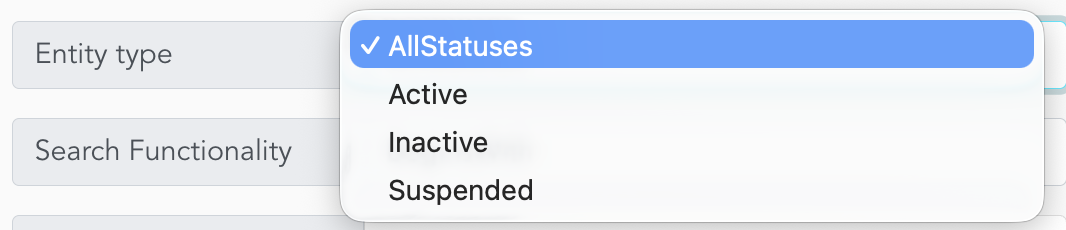
Next, choose the Entity Type (see image), the Search Functionality (see image), and at least one of the listed structures (select all four if performing a name availability check).
Click Search the Database when ready.
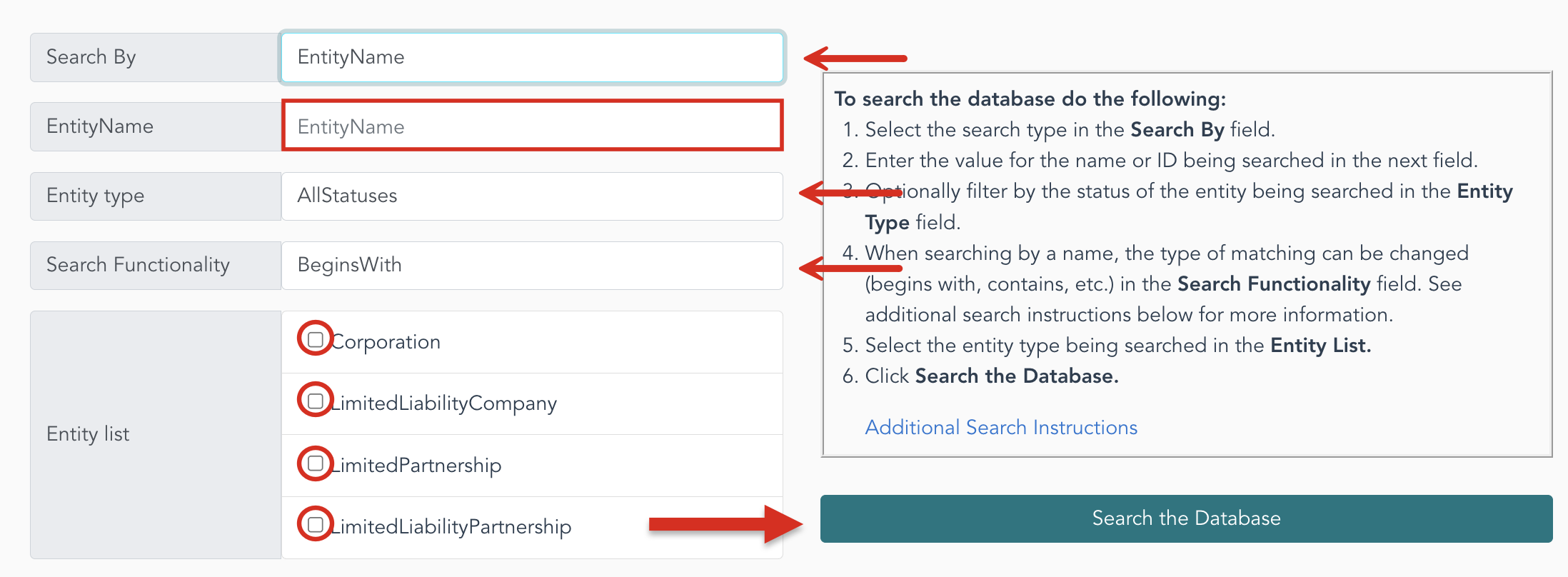
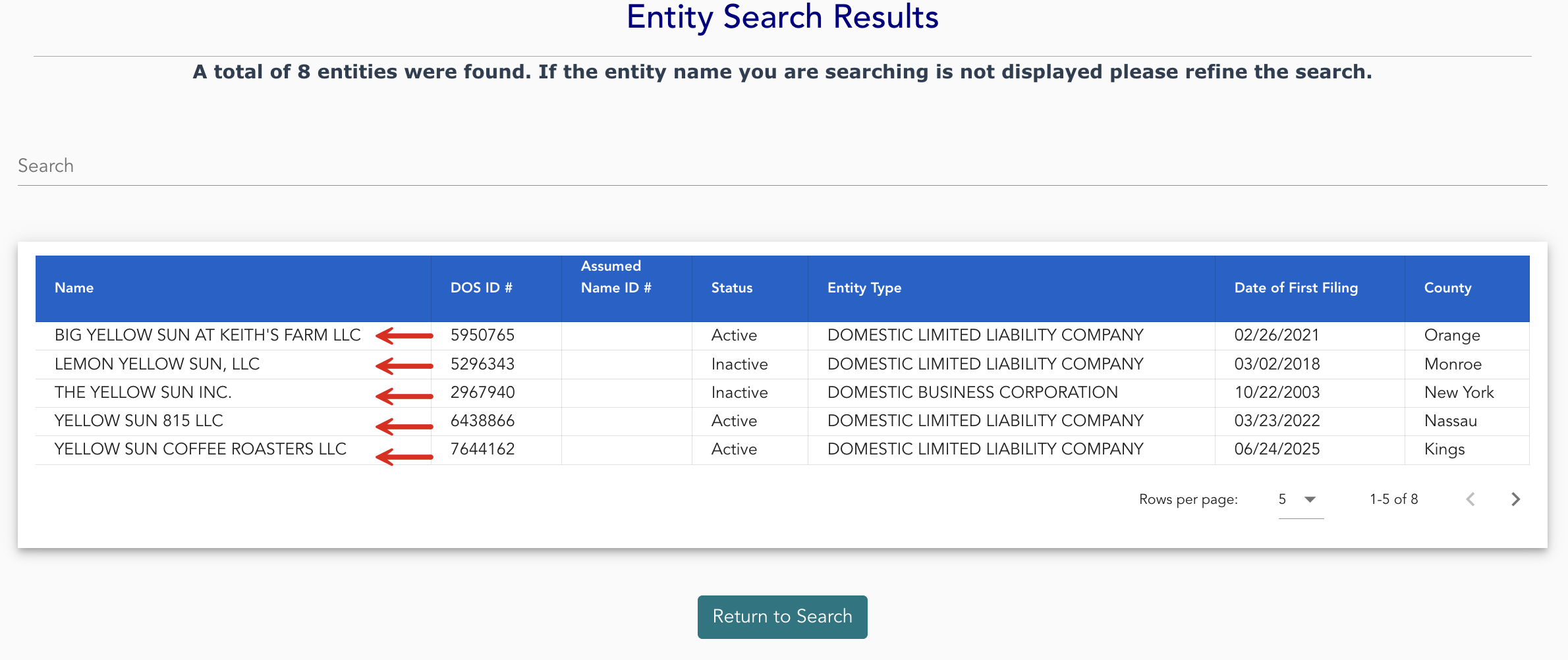
3. Review Results
Review the entity search results, which will include each listed business’s Name, DOD ID #, Assumed Name ID #, Status, Entity Type, Date of Filing, and County. Clicking the name if the company will provide further info.
4. Look Over Entity Info
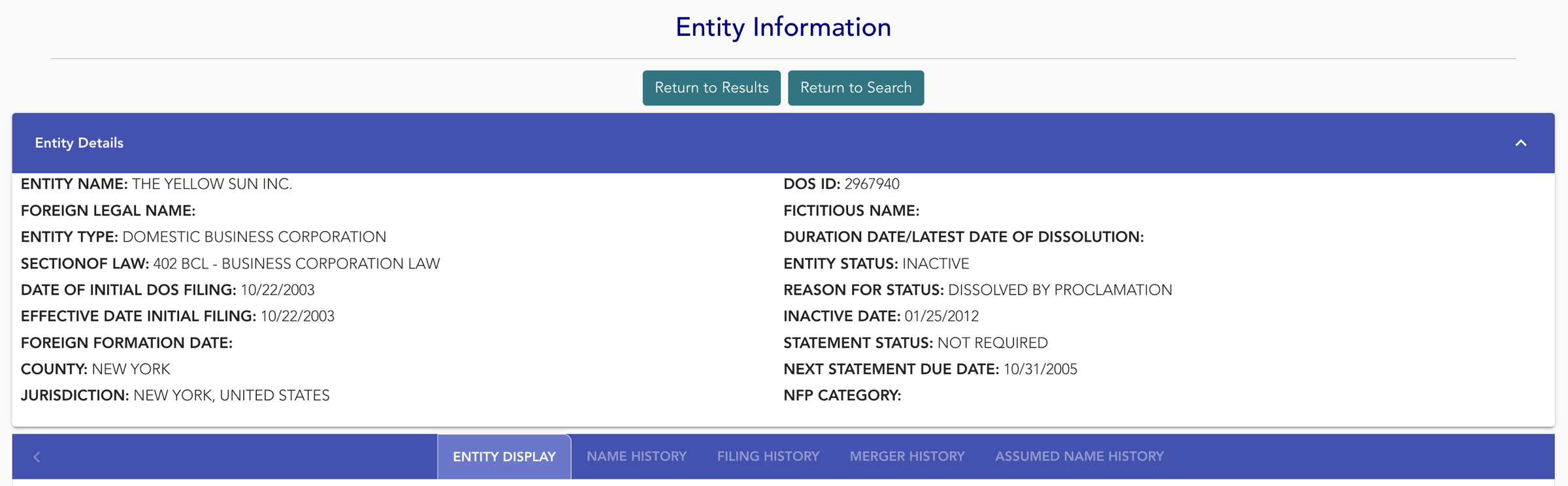
The entity information page will provide additional information on the selected entity in the entity details tab, including:
- Foreign legal name
- Section of law
- Date of initial DOS filing
- Effective date of initial filing
- Foreign formation date
- County
- Jurisdiction
- Fictitious name (if any)
- Duration date/date of dissolution
- Status + reason for status
- Inactive date
- Statement status
- Next statement due date
- NFO category
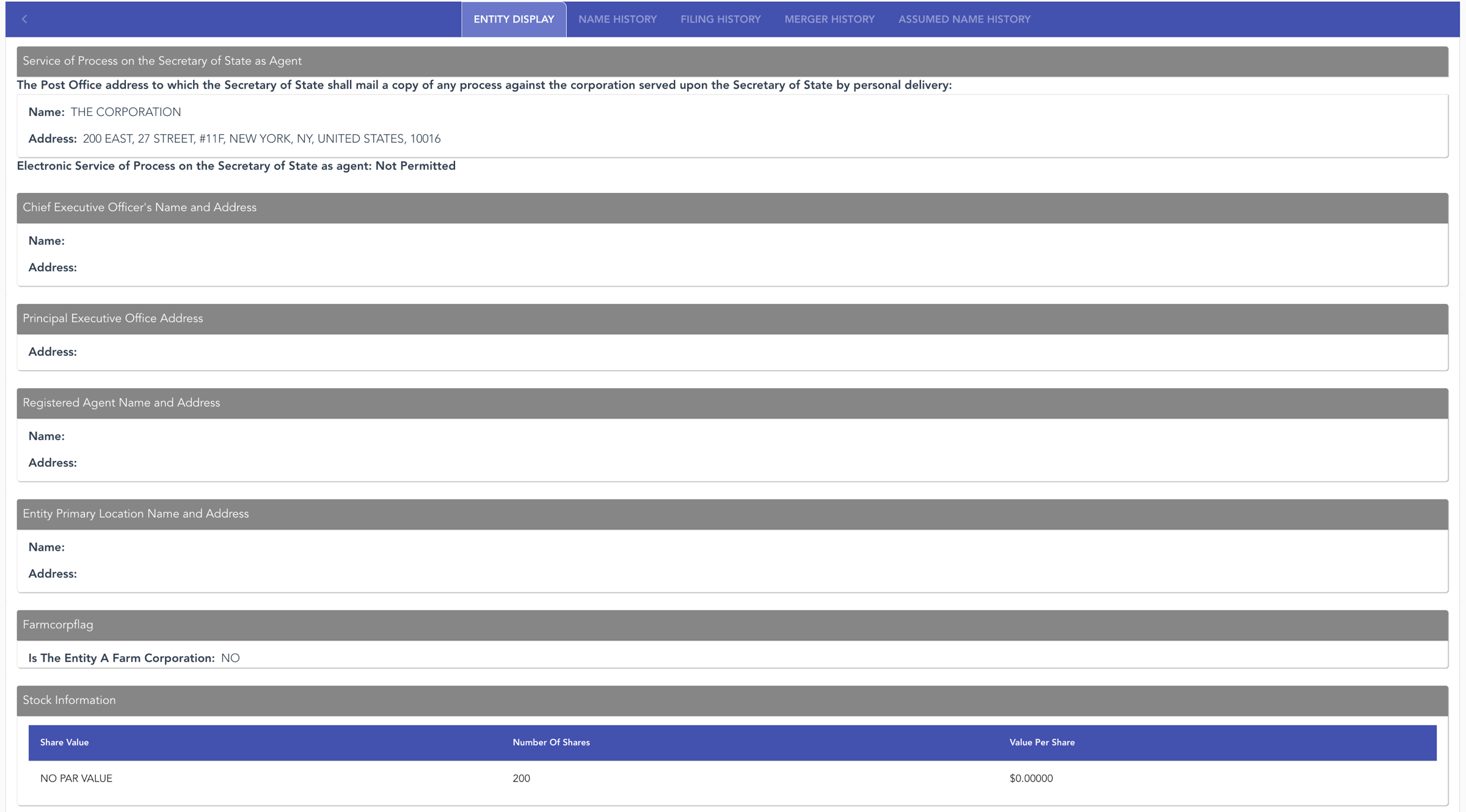
Additionally, the ENTITY DISPLAY tab (see image) will list the following:
- Name and address of CEO
- Name and address of registered agent
- Name and address for service of process
- Name and address of primary location
- Principal executive office address
- Whether entity is a farm corporation
- Stock info
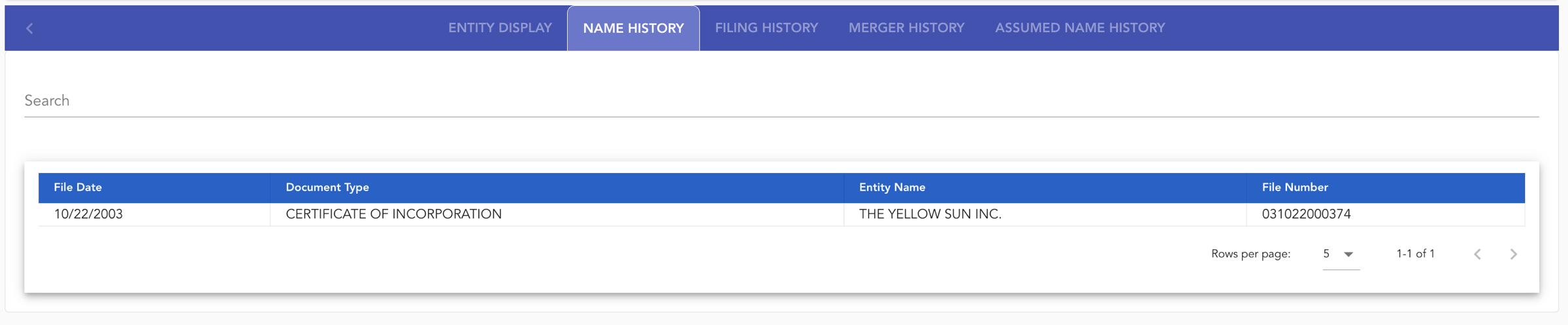
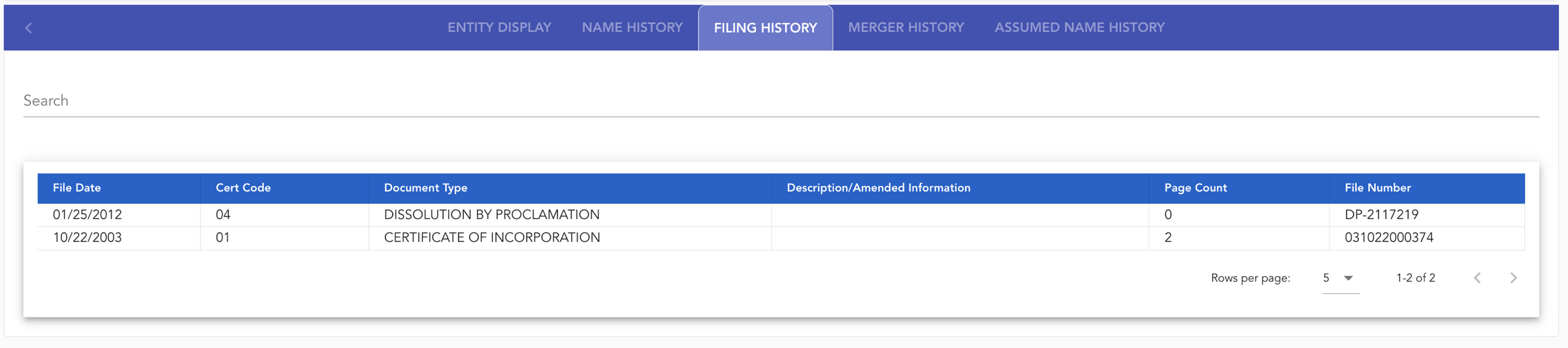
Users can also view the NAME HISTORY (view image), FILING HISTORY (see image), MERGER HISTORY (when applicable), and ASSUMED NAME HISTORY (when applicable).