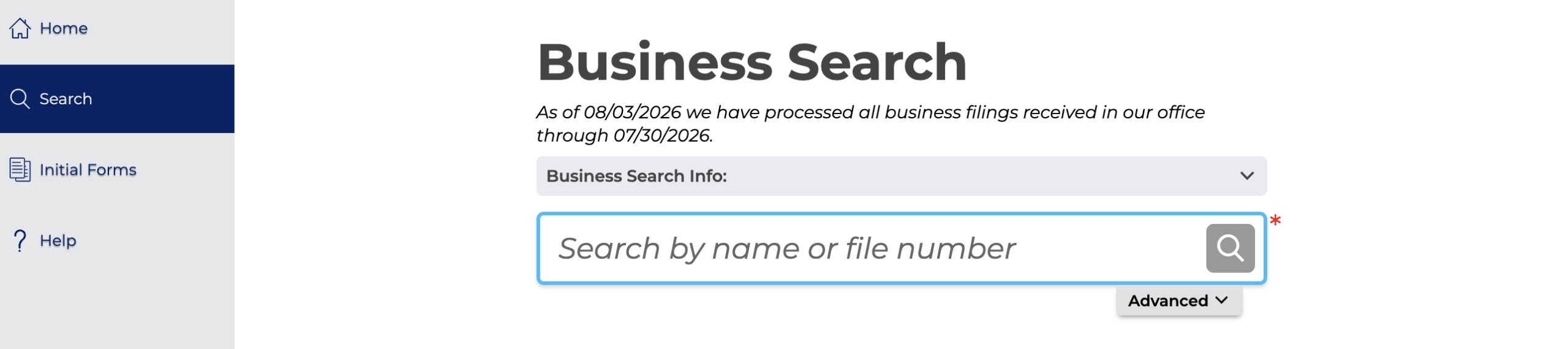
Search Pennsylvania business names using the Department of State Business Search portal to check if a desired name is available. Entity names must be unique and distinguishable from other state-registered businesses, so it’s important to verify availability ahead of registration. The search portal can also be used to search the database for existing businesses.
Business Entity Search

By searching, you agree to our Terms of Use and Privacy Policy.
Business Entity Search
1. Go to the Pennsylvania Business Search Webpage
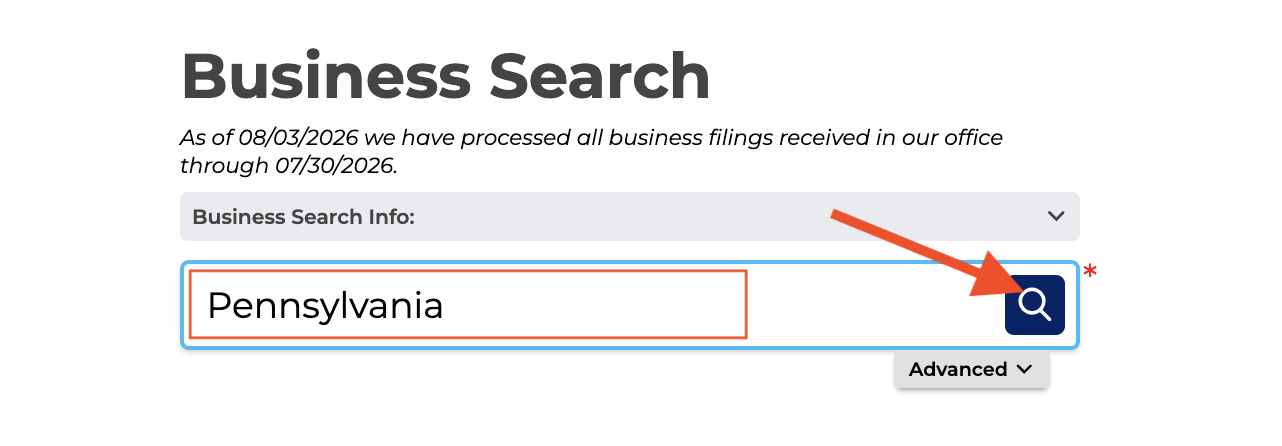
2. Search for Business Name
Enter the name being searched for in the search field and click the magnifying glass button to view matching results.
Advanced Search – For more search options, click the Advanced tab to open the Advanced Search table (see image). To refine the search for matching name results that are active, select Contains and under Status, select Active.
Filing Type may also be refined by the entity type, Fictitious Name, or Name Reservation.
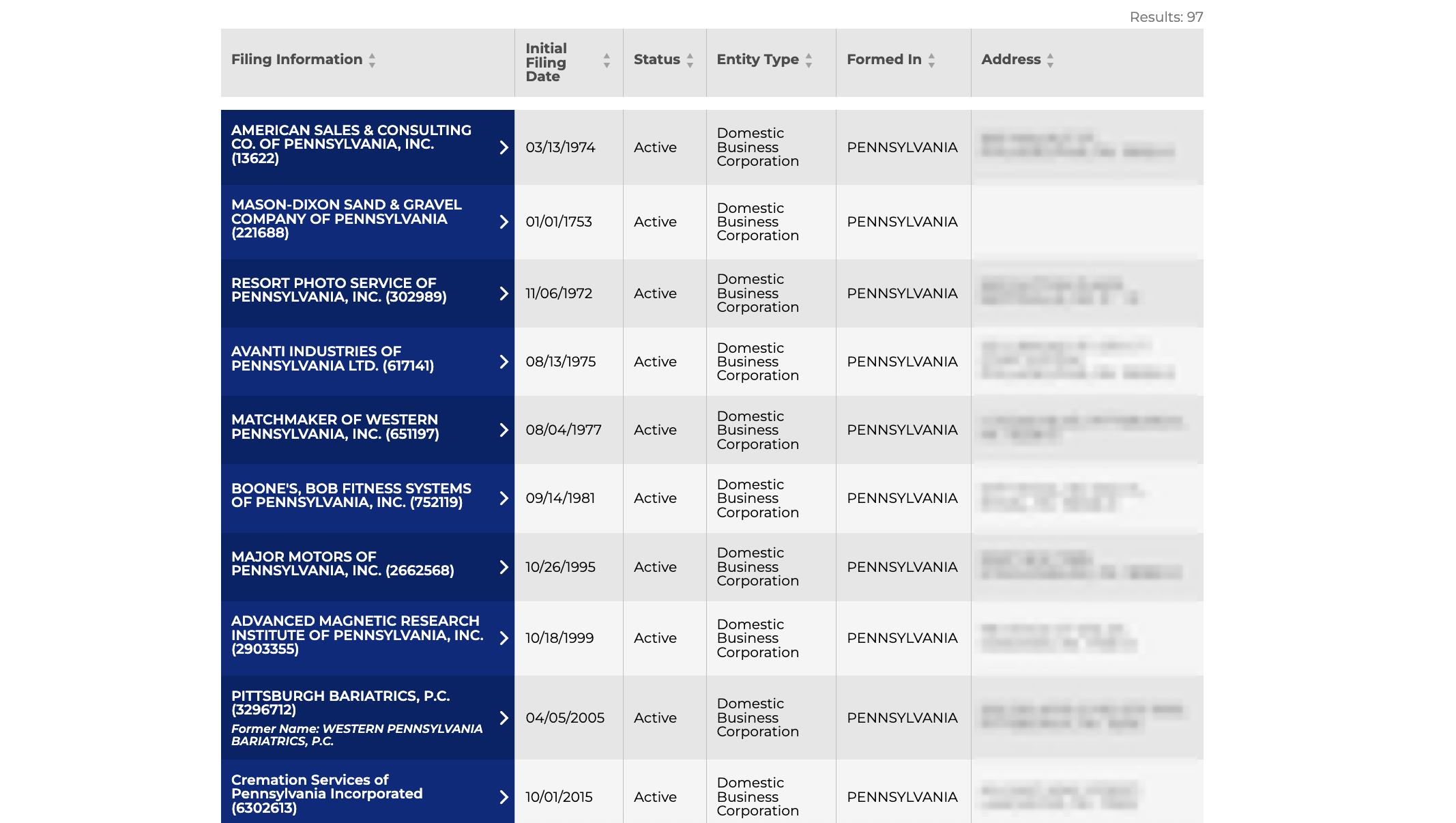
3. View Search Results
Matching results will appear below the search field showing the following information for each result:
- Filing Information
- Initial Filing Date
- Status
- Entity Type
- Formed In (State)
- Address
Clicking on an entity’s Filing Information in the blue column will open its profile on the same page.
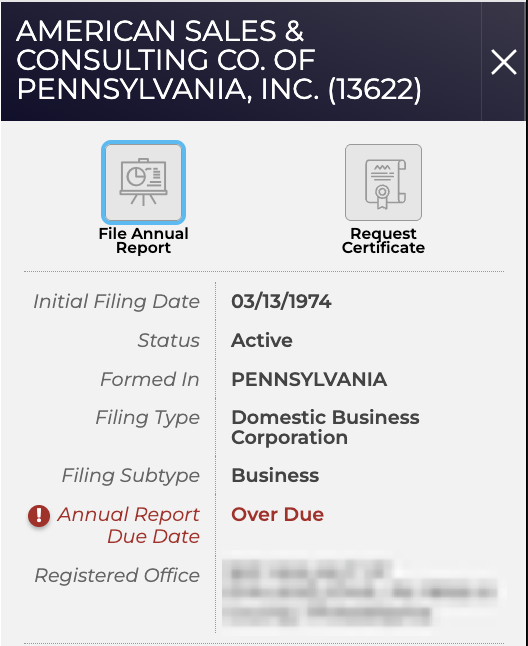
4. Detailed Entity Information
The selected entity’s information will appear in a sidebar on the same page, displaying the following info and actions:
- Entity Name
- Registration Number
- File Annual Report
- Request Certificate
- Initial Filing Date
- Status
- Formed In (State)
- Filing Type
- Filing Subtype
- Annual Report Due Date
- Registered Office Address